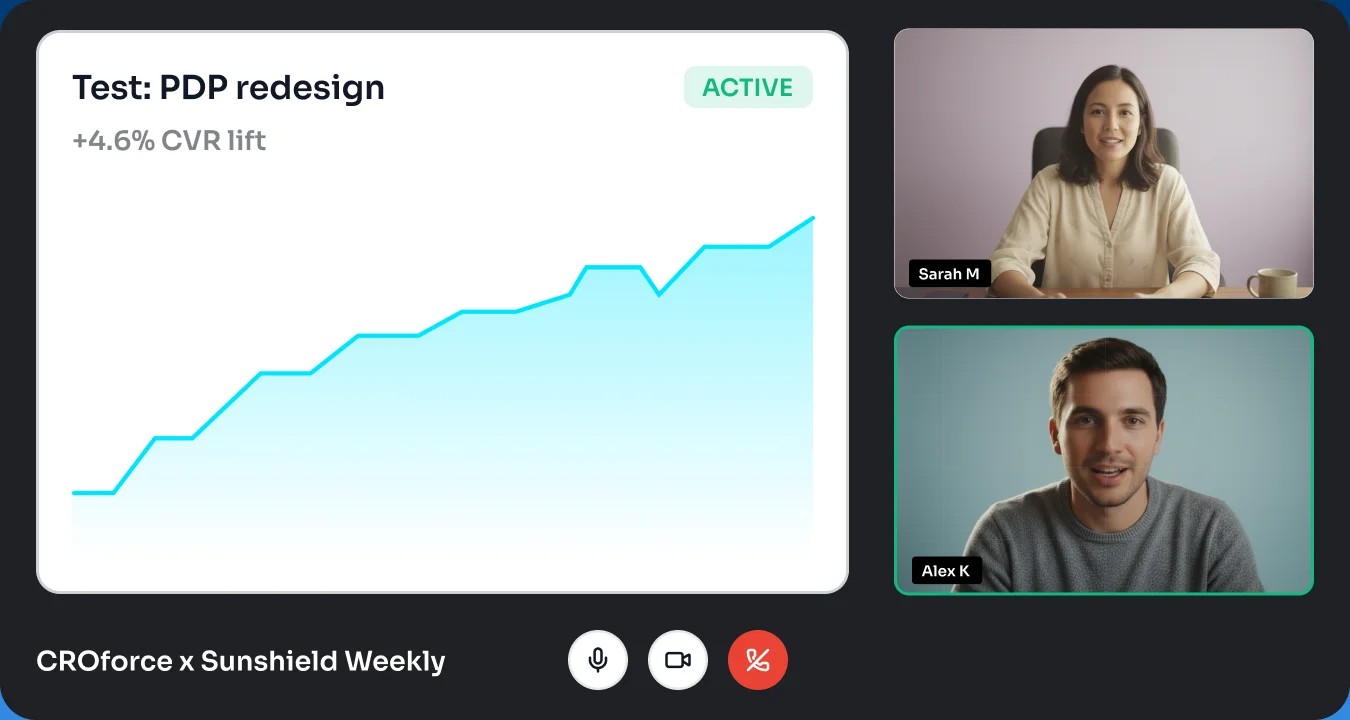
Watch real visits and see why a variant wins
Session recordings built into the platform you test with. See where visitors get stuck, find rage clicks and page errors, and watch the recordings behind any test result.
Recordings that explain your results
Next to every test result
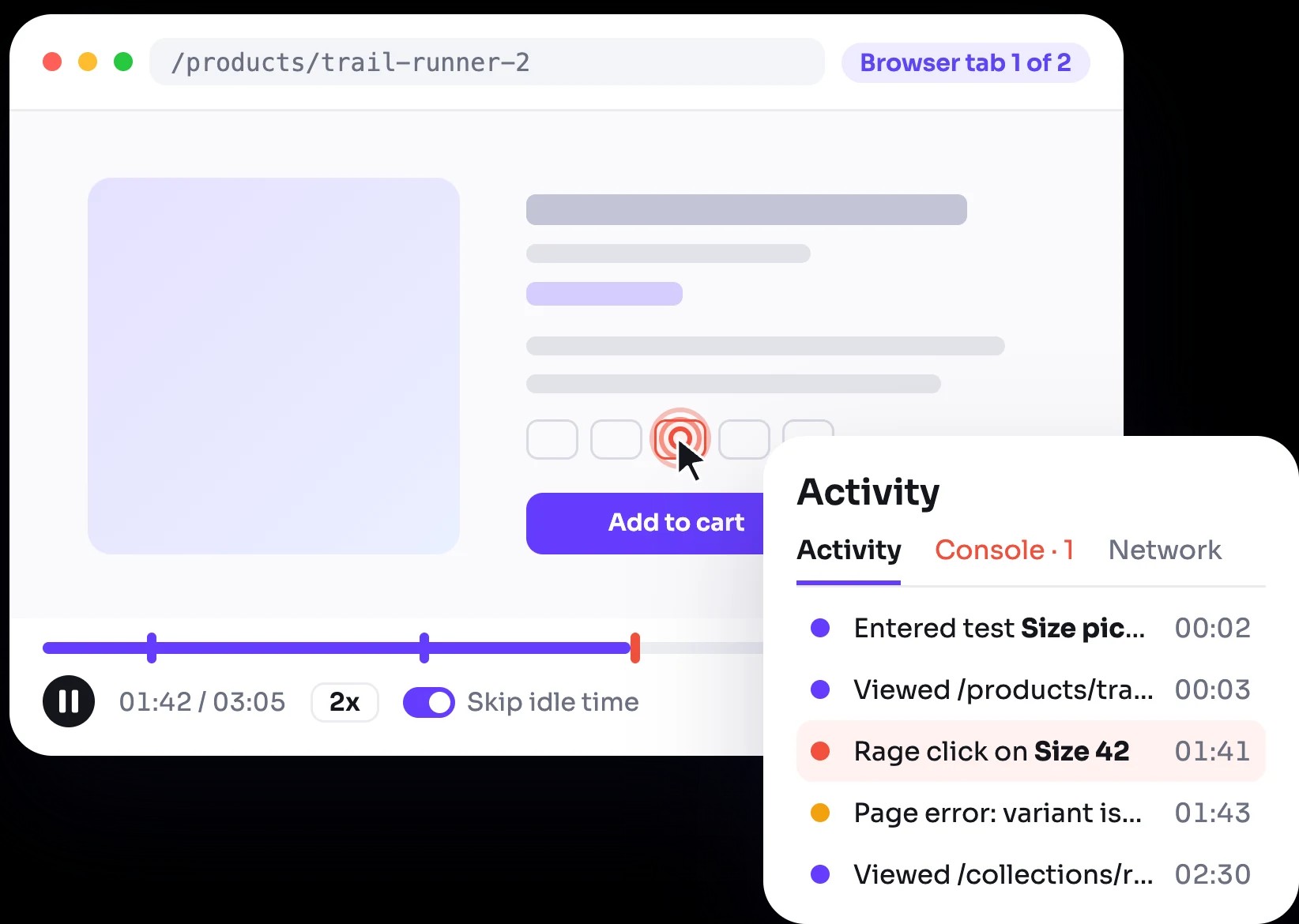
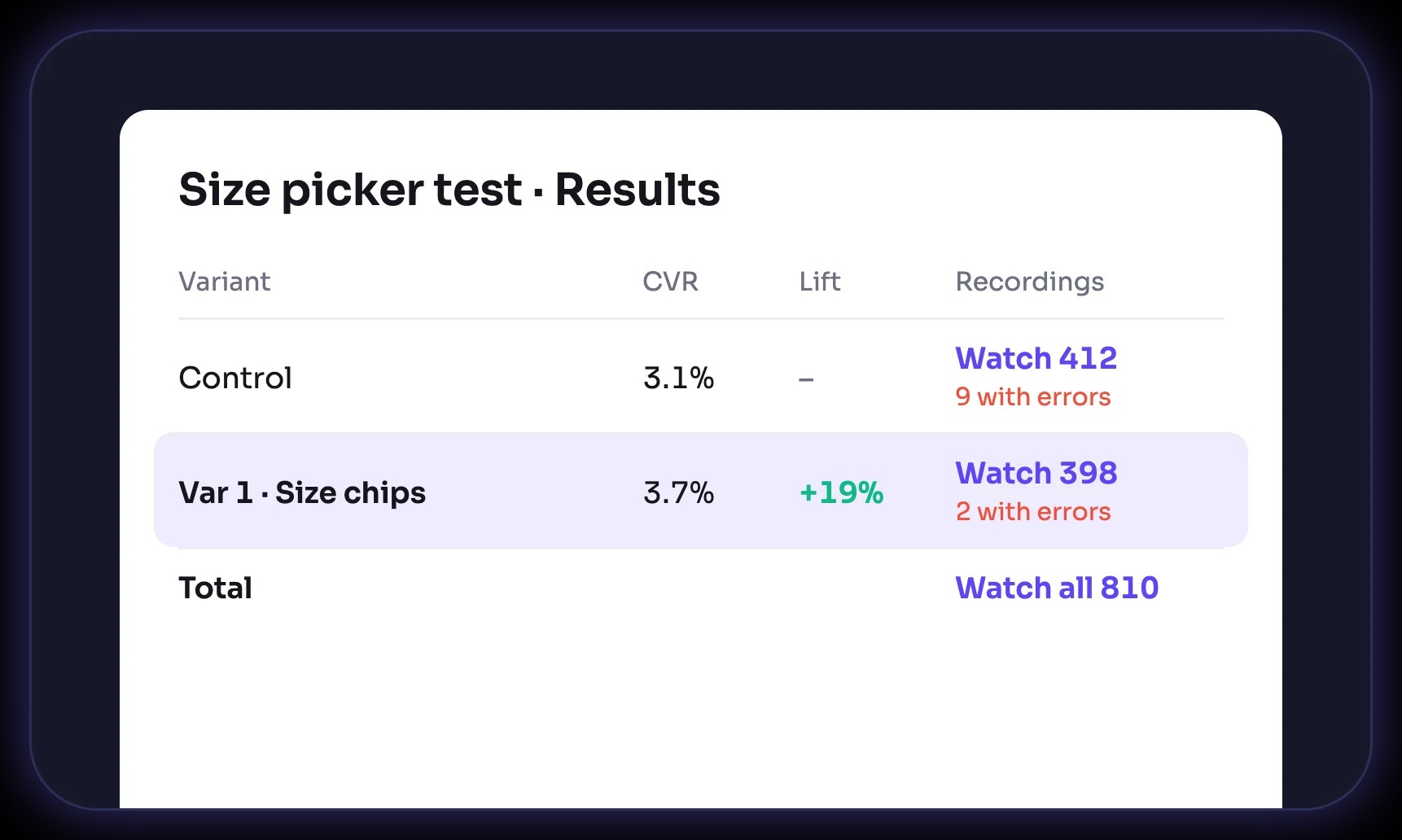
Each variant in your results links to its recordings, so you can watch what visitors did in the version that won and the one that lost.
Problems are flagged for you
Rage clicks and page errors are marked on every recording, so you can go straight to the visits that went wrong.
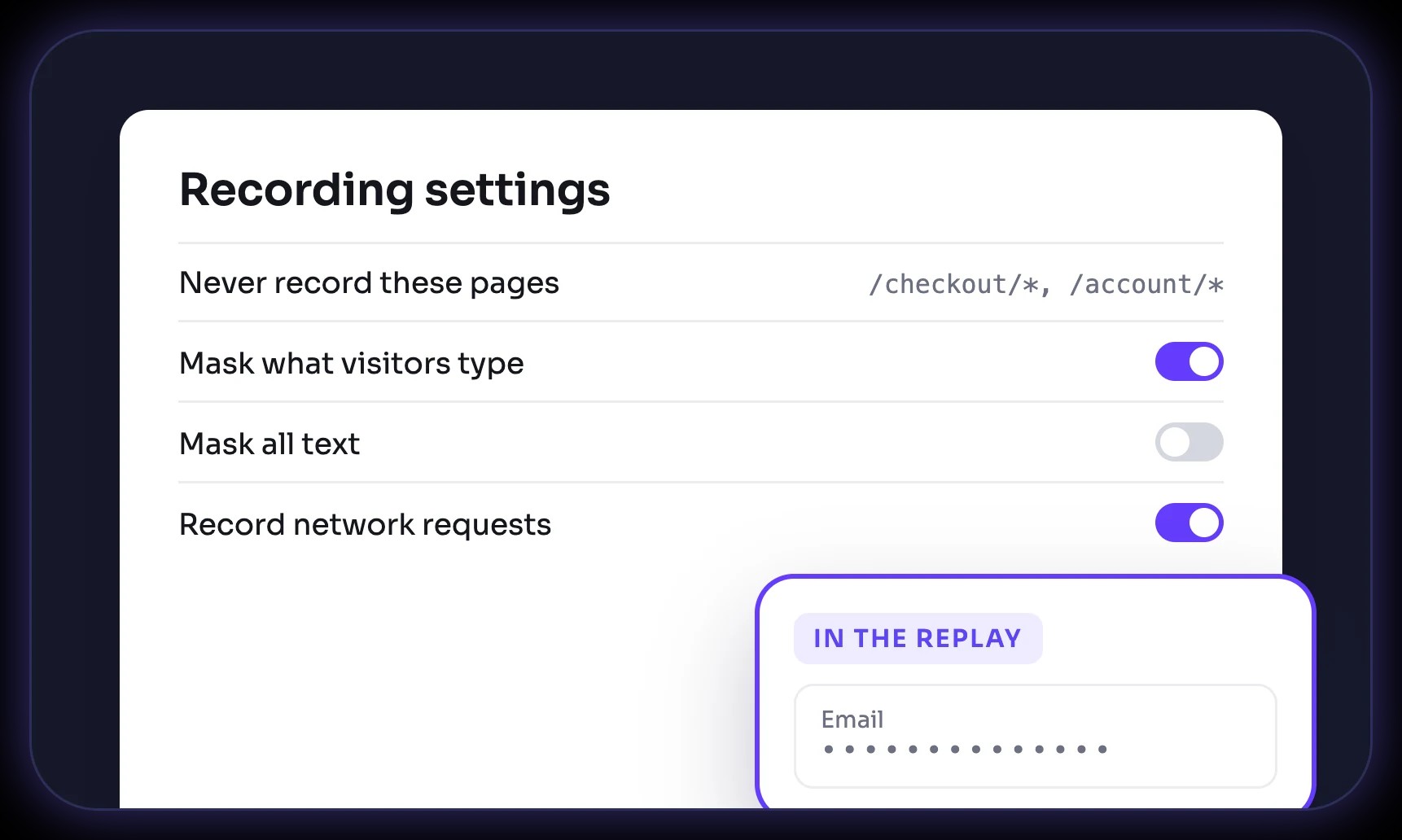
Private from the start
What visitors type is always masked. Checkout and account pages are left out by default, and bots are never recorded.
Trusted by





Everything that happened in the visit
Watch any visit
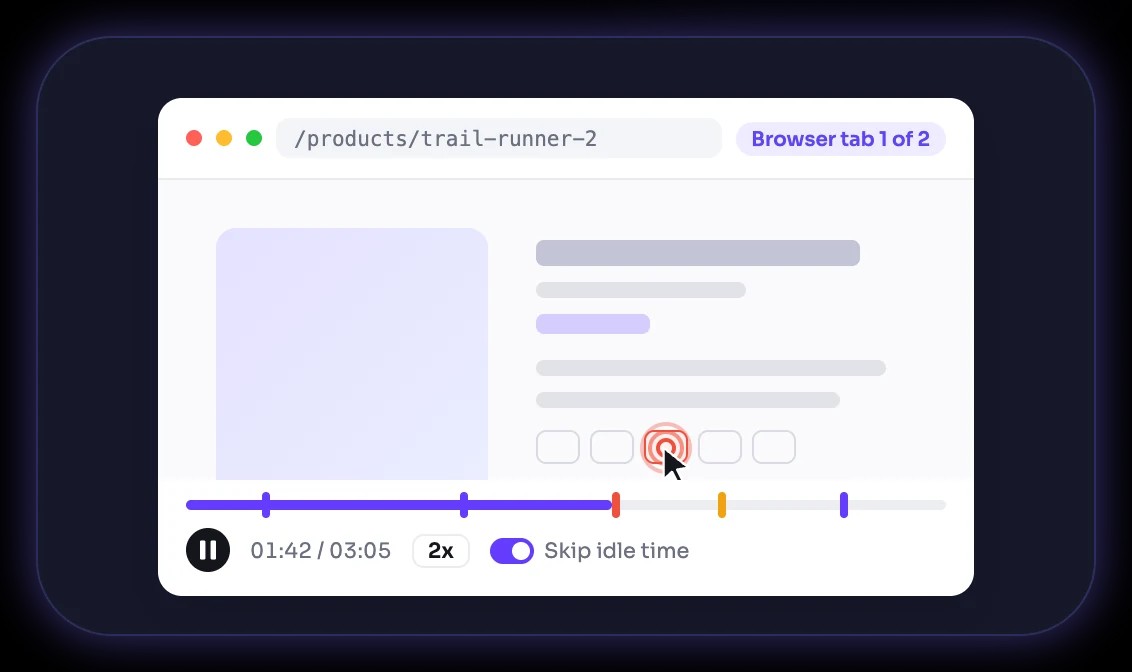
Play recordings at 1x, 2x, or 4x and skip the idle stretches. Page changes, rage clicks, and errors are marked on the timeline.
Rage clicks and errors
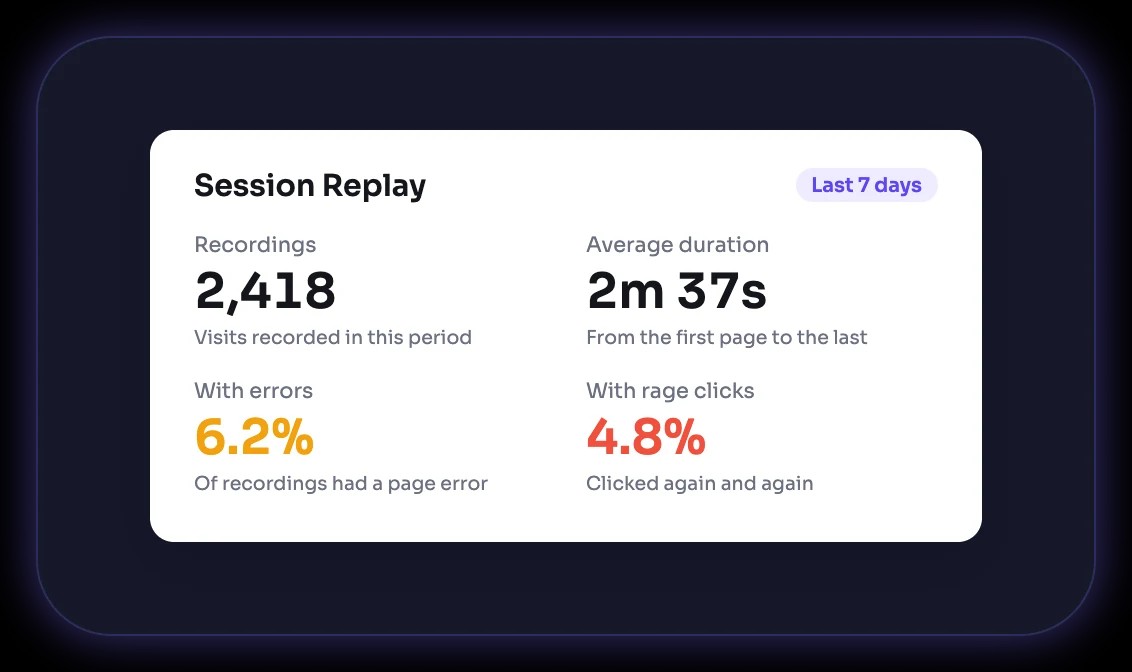
See how many visits hit a page error or a button that didn't respond, then filter to just those recordings.
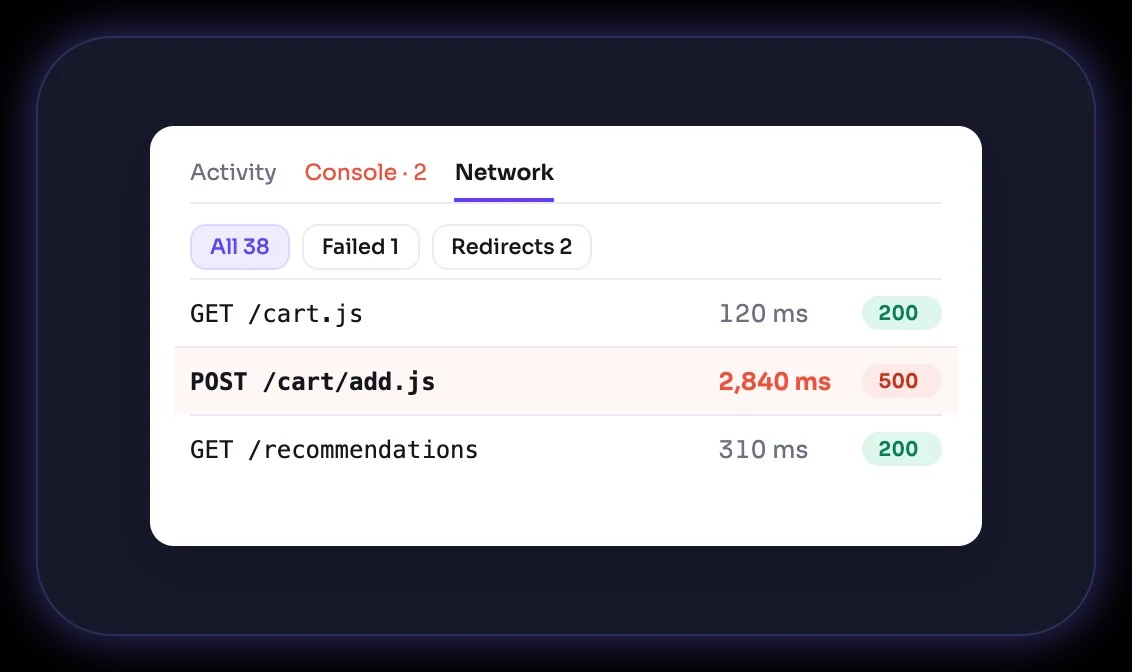
Console and network
Check console errors and failed or slow requests from the moment a visitor got stuck, without asking them to reproduce it.
What teams find in recordings

+18%
Revenue lift
"CRO is tough to navigate on your own, but CROforce provides the expertise we were missing. They've helped us streamline our site and steadily improve our conversion rates."

Co-founder & CEO






From recording to winning test in 4 steps

Turn on recording
Recordings use the same CROforce script as your tests and analytics. Switch recording on in your settings.

Choose who to record
Record a share of all visits, only visitors in a test or campaign, every visit, or only the pages you pick.

Find the visits that matter
Filter by test, variant, campaign, country, device, or operating system, or show only visits with errors or rage clicks.

Test the fix
Write the hypothesis and launch the A/B test from the same platform.
Built into your testing platform
Recordings for every variant
Your test results show how many recordings each variant has. One click opens them, filtered to that test, variant, and date range.
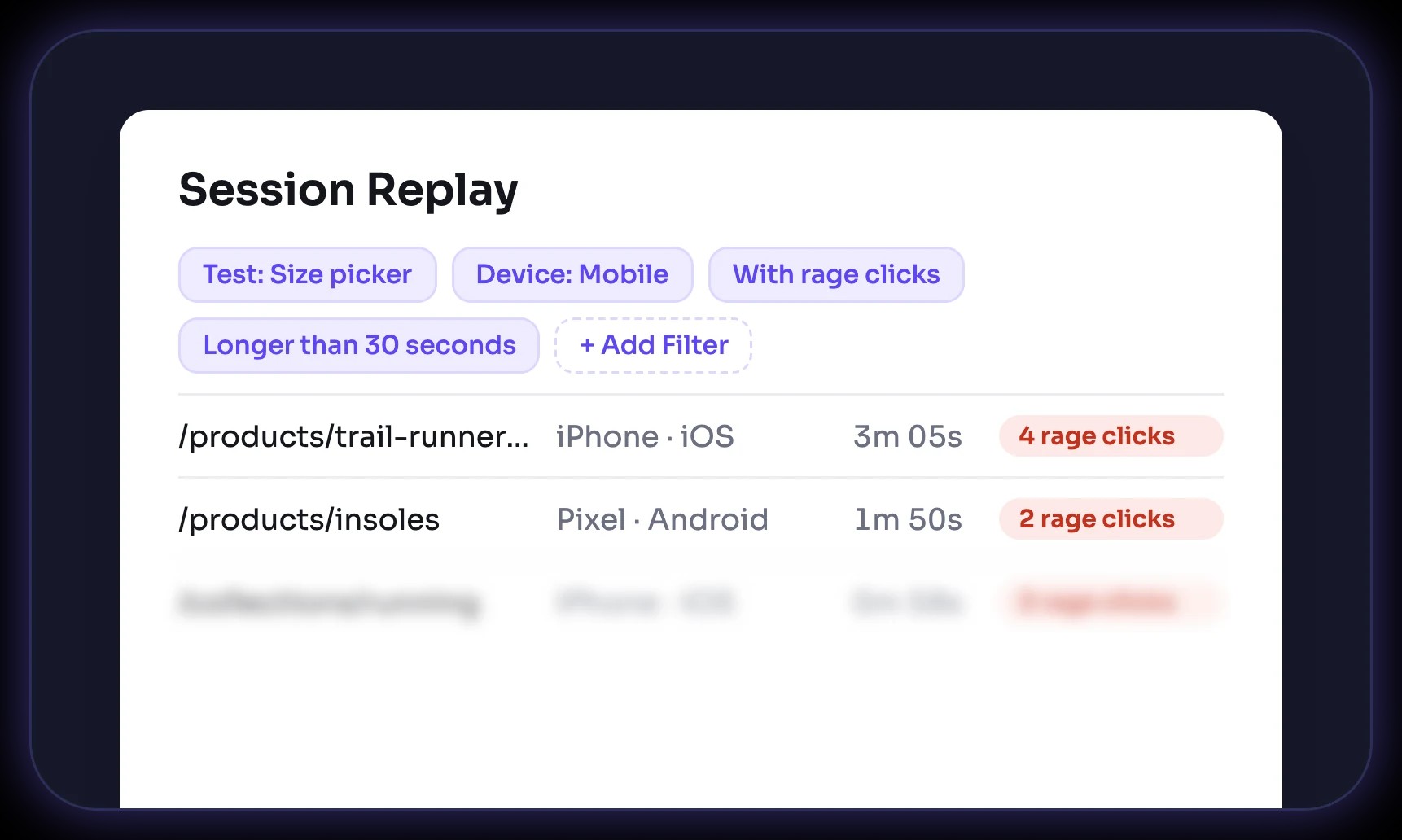
Go straight to the visits that matter
Search by page or visitor ID, filter by test, campaign, country, device, and operating system, and keep only visits with errors, rage clicks, or a minimum length.
You decide what gets recorded
Typed text is always masked, and you can mask all text or hide any element. Network requests keep only the address, status, and timing, never what was sent.
Share the exact moment
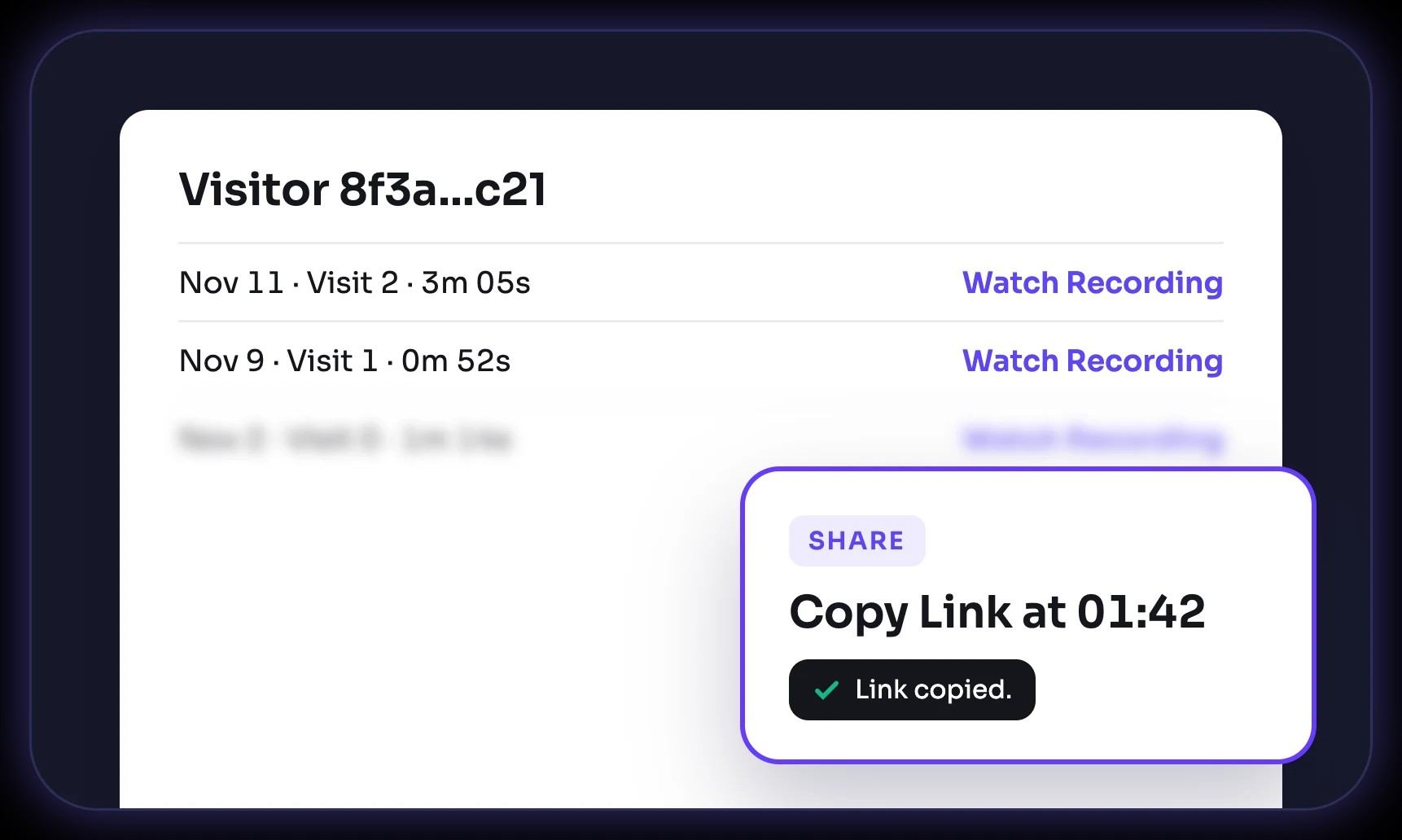
Copy a link that opens the recording at the right second, or open the visitor's journey to watch their other visits.
Integrate quickly with your existing tech stack

Hubspot

Squarespace

Salesforce

Shopify

Magento

Semrush

Mailchimp

Hootsuite

Wix

WordPress

BigCommerce

Google Analytics

Webflow

Mixpanel

Weebly

WooCommerce
Need done-for-you CRO execution?
Let our CRO team handle your strategy, design, code, and reporting. You get winning tests launched on our platform without spending internal team bandwidth.
Talk to an expert