See where visitors click, move, and scroll
Heatmaps for every page on your site, built into the platform you test with. Spot what visitors ignore, then test a fix.
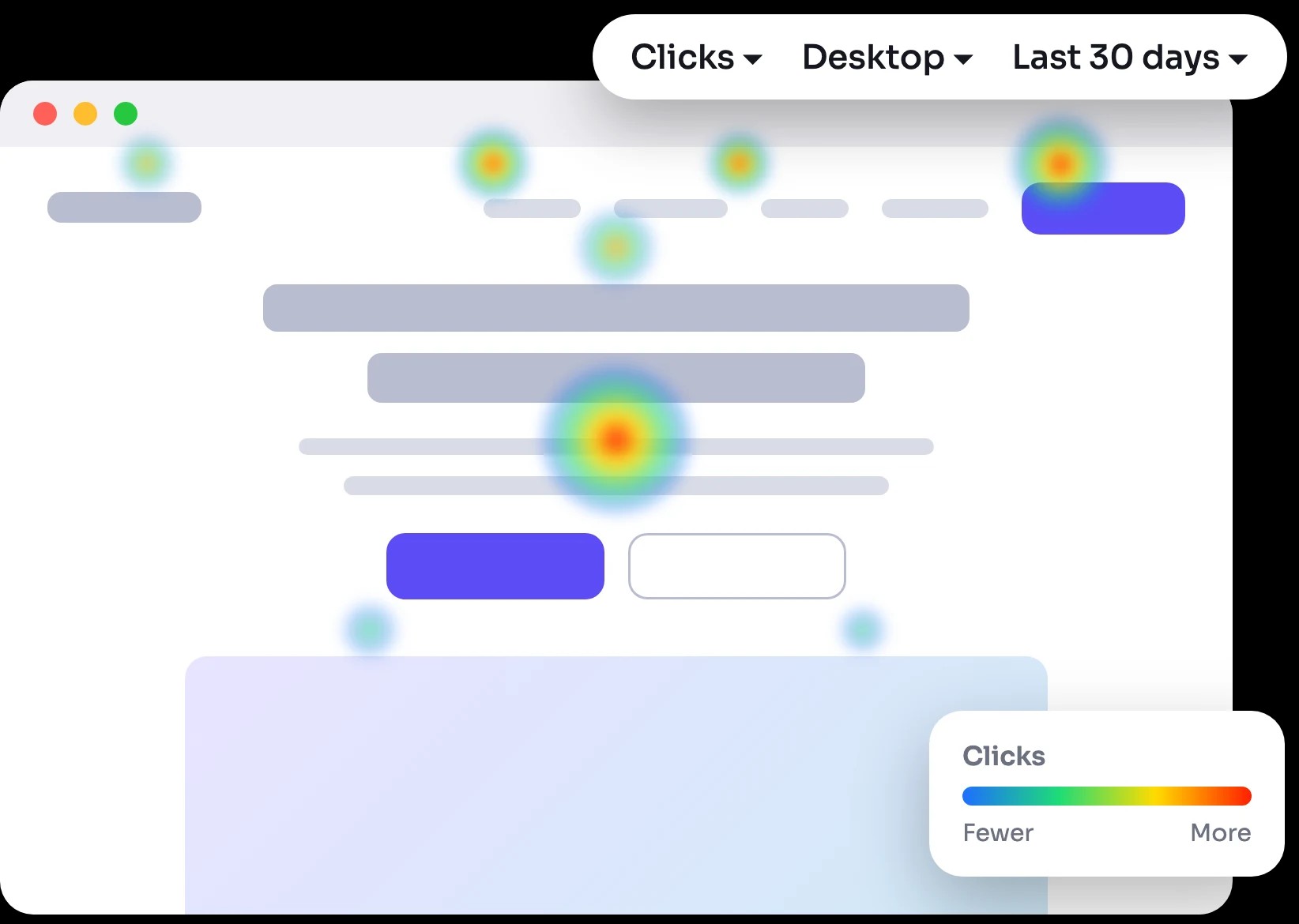
Heatmaps that lead to tests
Three maps for every page
Switch between click, mouse-movement, and scroll maps for any page that gets traffic.
Desktop and mobile, apart
Filter by device so a mobile layout problem doesn't hide inside desktop data.
From insight to test
Found a section nobody reaches? Build the A/B test in the same platform, with no second tool.
Trusted by





Three views of every page

Click map
See which buttons, links, and images get clicked, and which elements people click that aren't links.

Move map
See where the mouse goes, a close stand-in for what people read and compare.

Scroll map
See how far down visitors get, so you know which content most of them never see.
What teams find with heatmaps

+18%
Revenue lift
"CRO is tough to navigate on your own, but CROforce provides the expertise we were missing. They've helped us streamline our site and steadily improve our conversion rates."

Co-founder & CEO






From heatmap to winning test in 4 steps

Add the CROforce script
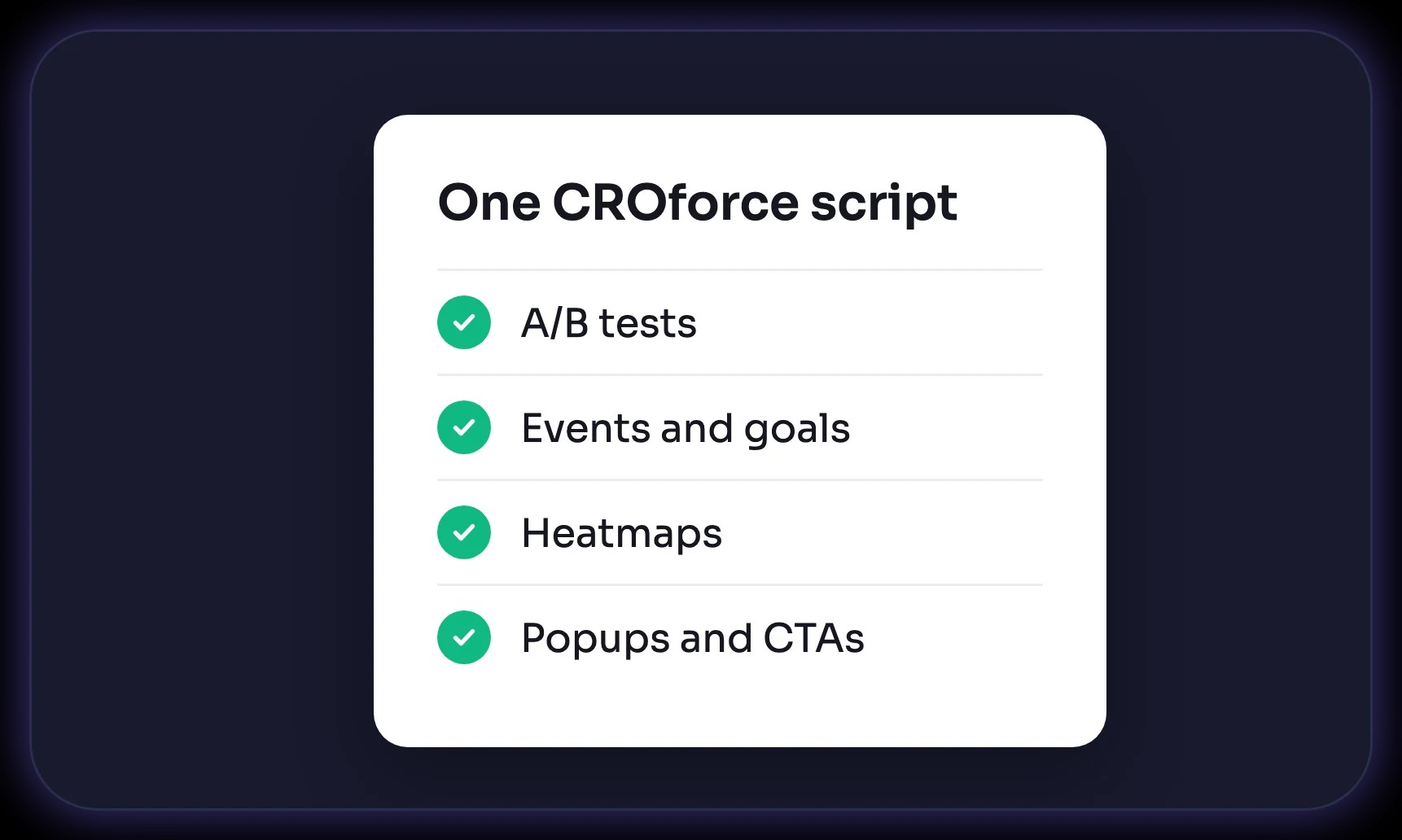
One script runs tests, analytics, and heatmaps. If you already test with CROforce, it's installed.

Open any page
Pick a page from the heatmap list, ranked by visitors and events.

Choose the map and device
Switch between clicks, movement, and scroll, on desktop or mobile, for any date range.

Turn it into a test
Write the hypothesis and launch the A/B test from the same platform.
Built into your testing platform
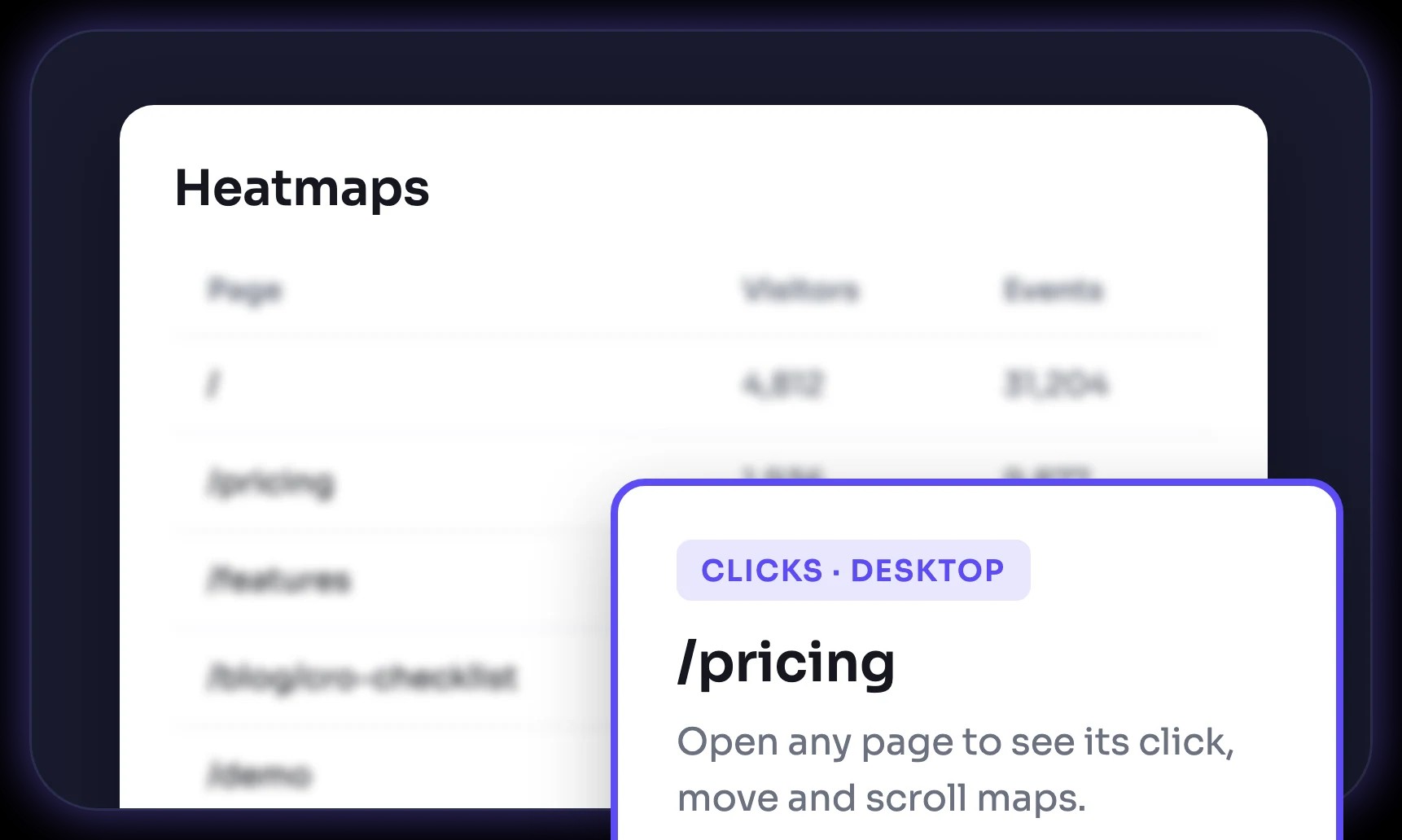
Every page in one list
Search your pages and see visitors and events for each one before you open its map.
Any date range
Look at the last 7, 30, or 90 days, or pick a custom range to compare before and after a change.

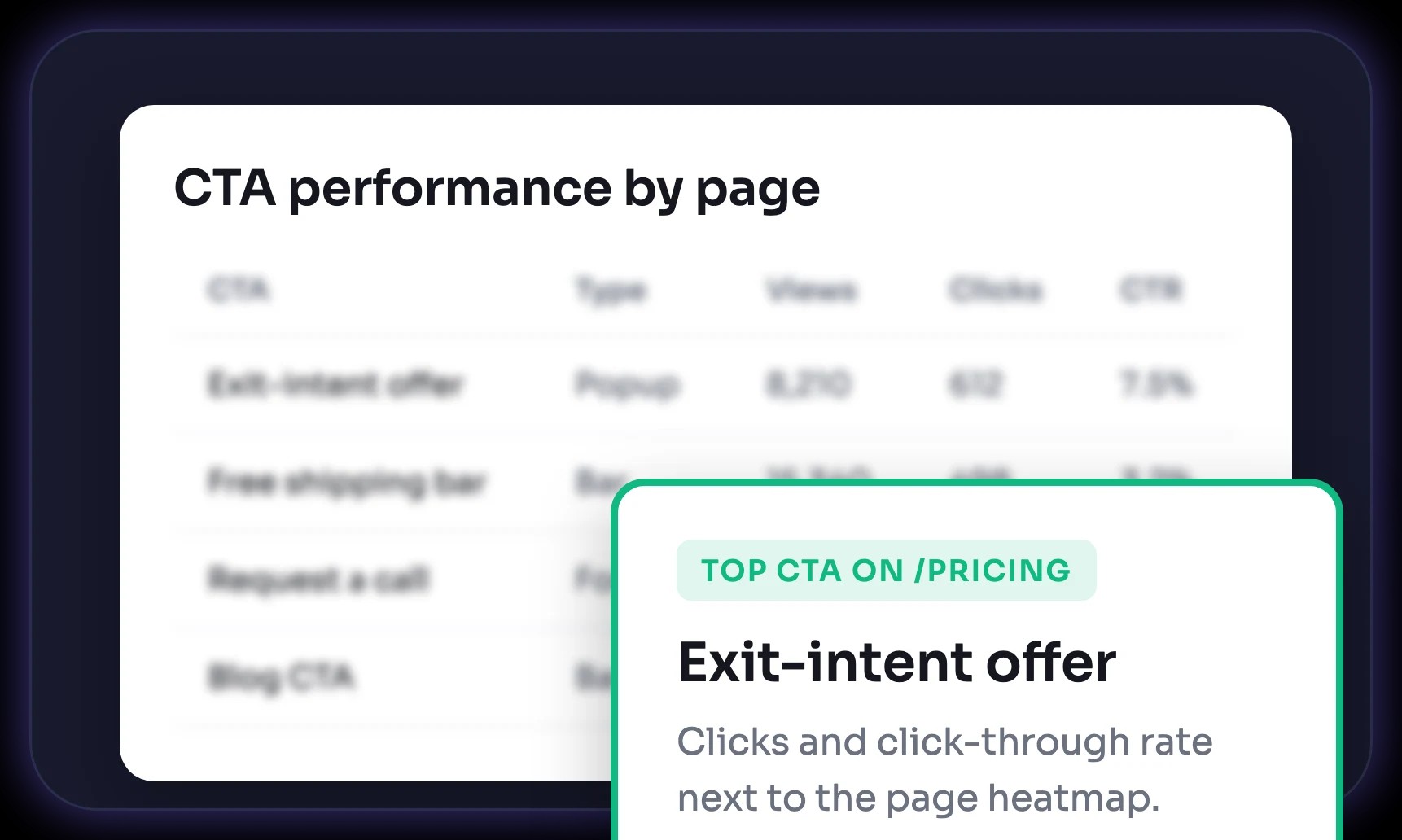
Clicks next to CTA results
See clicks and click-through rate for every CTA on the page in the performance reports.
No extra script
Heatmaps use the same tag as your tests, so there's nothing new to install.
Integrate quickly with your existing tech stack

Hubspot

Squarespace

Salesforce

Shopify

Magento

Semrush

Mailchimp

Hootsuite

Wix

WordPress

BigCommerce

Google Analytics

Webflow

Mixpanel

Weebly

WooCommerce
Need done-for-you CRO execution?
Let our CRO team handle your strategy, design, code, and reporting. You get winning tests launched on our platform without spending internal team bandwidth.
Talk to an expert