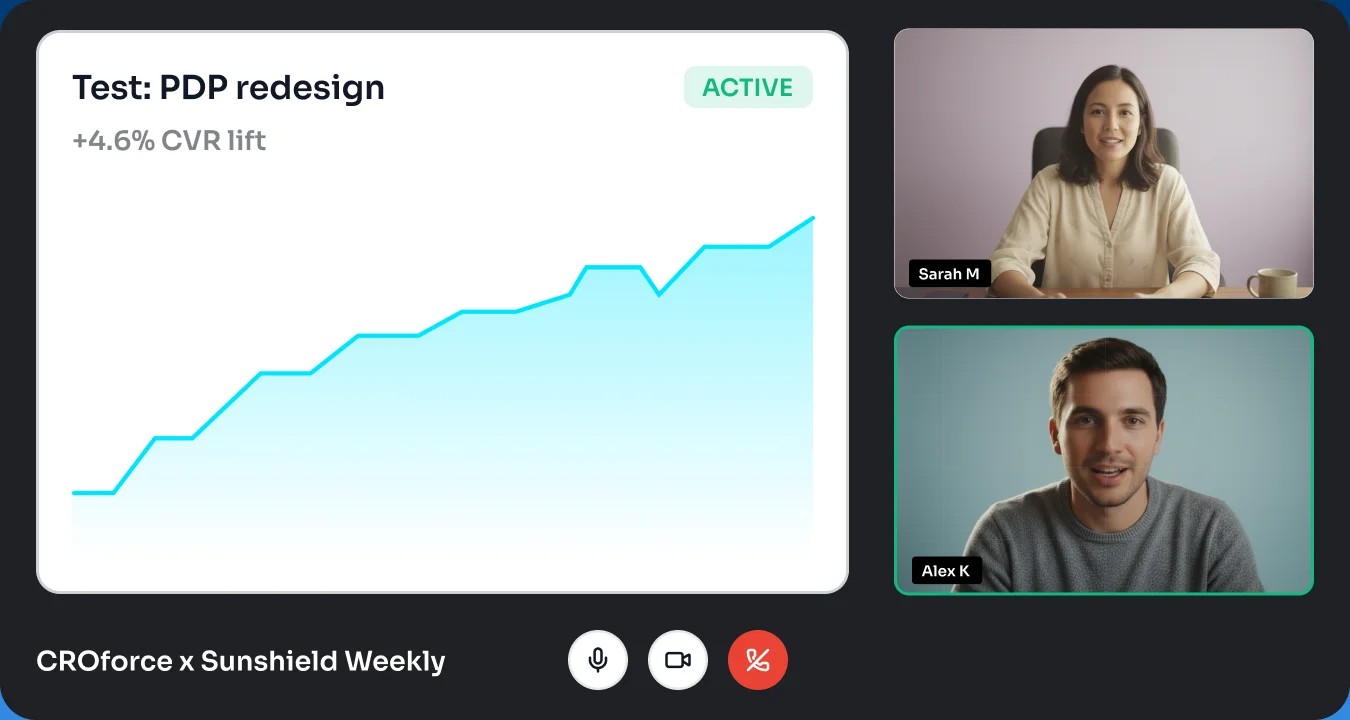
Follow any visitor's journey, click by click
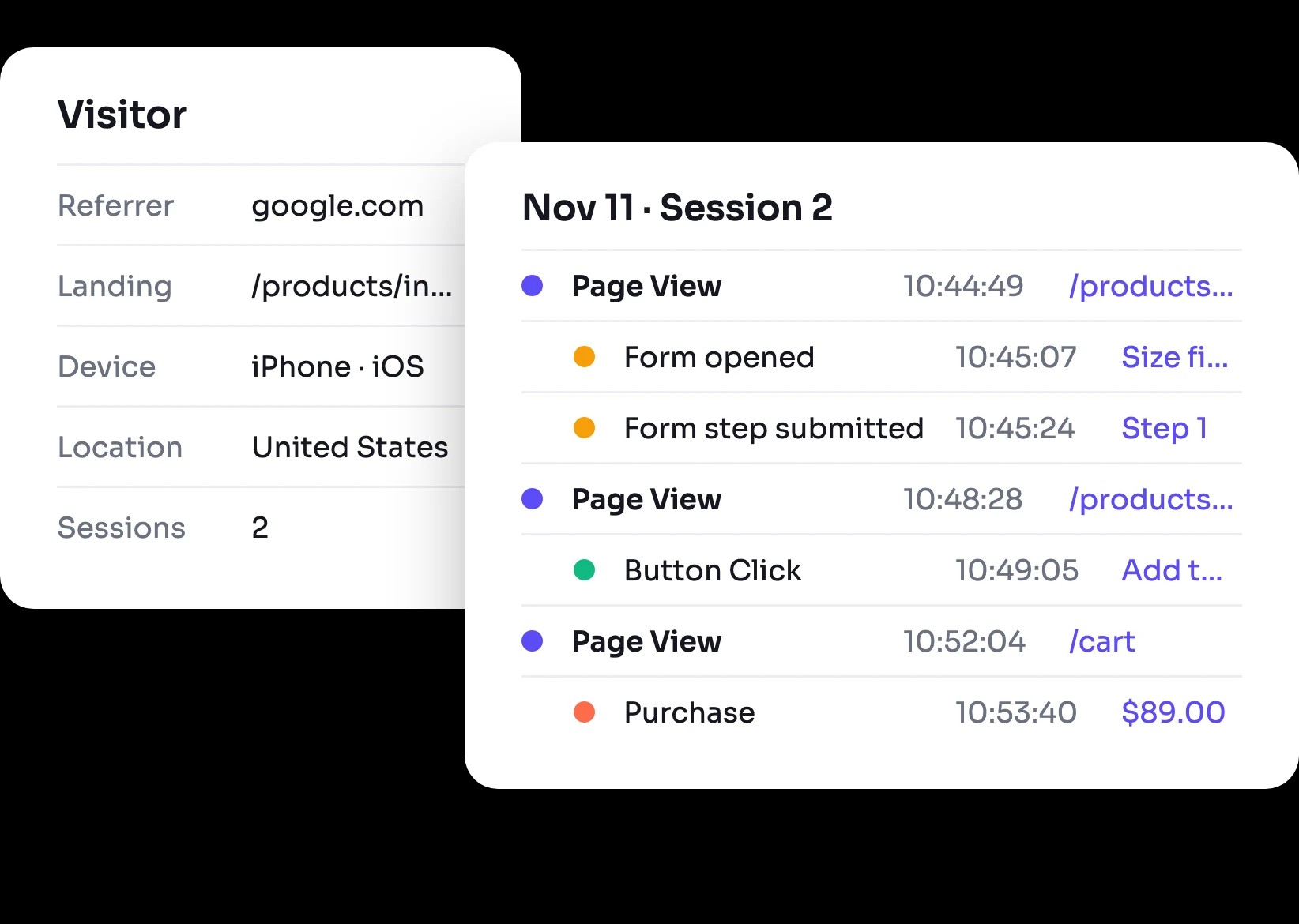
Open one visitor and see where they came from, every page they viewed and button they clicked, and where they left, in order and to the second.
The story behind your numbers
Every step, in order
Page views, button clicks, and form events on one timeline, with the time of each.
Where they came from
Initial referrer, channel, landing page, location, and UTMs for each visitor.
Every session
Each visit with its entry page, exit page, page views, and duration.
Trusted by





What a journey shows
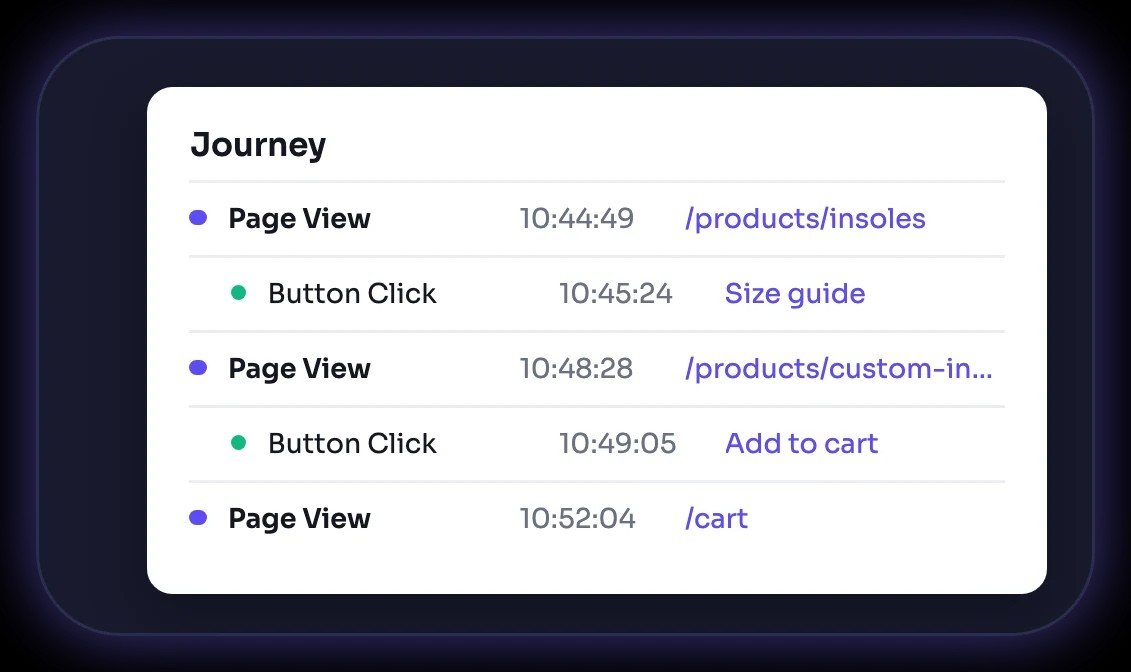
The timeline
Each page view with the clicks and form events that happened on it, down to the second.
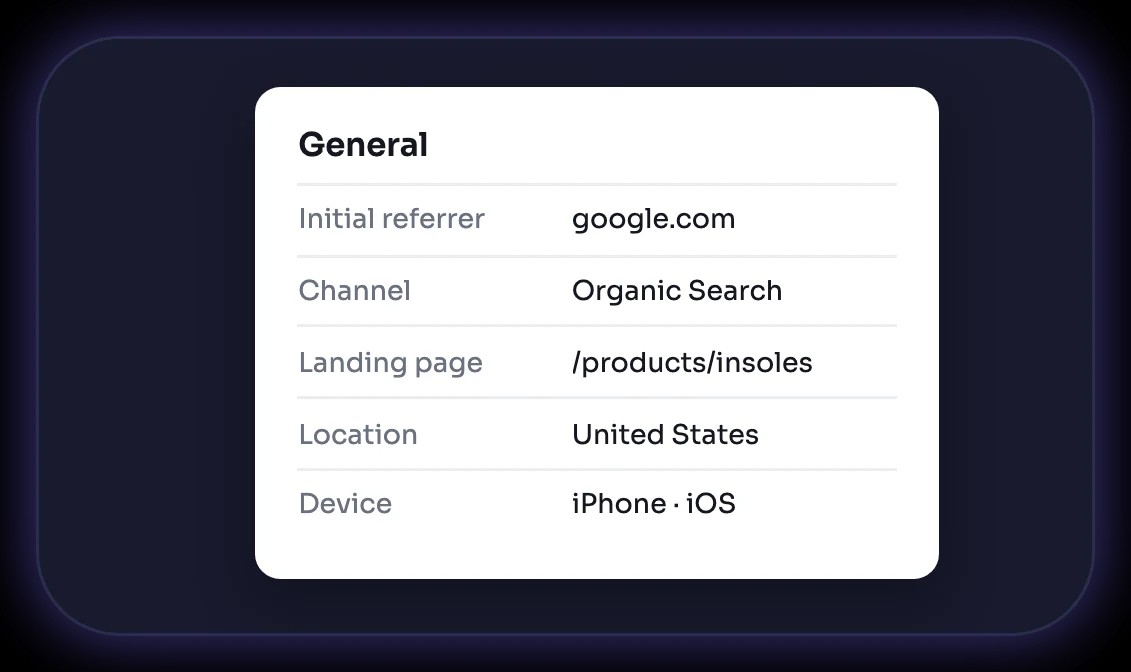
Visitor details
Referrer, channel, landing page, location, device, and operating system.
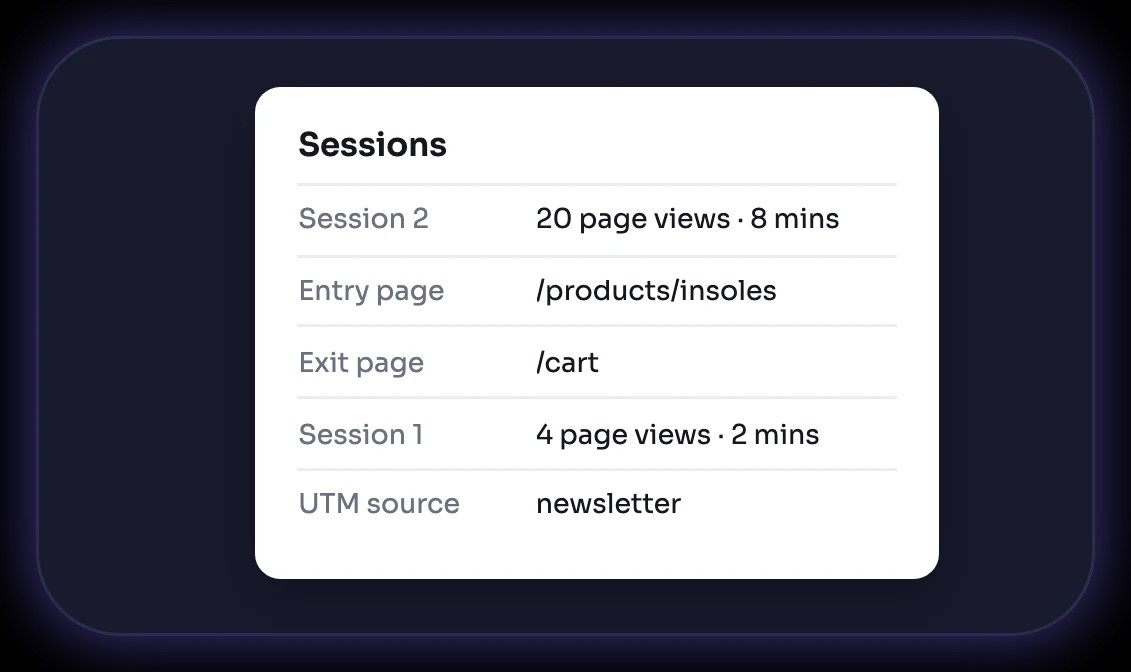
Sessions and UTMs
Every session the visitor had, and the campaign tags that brought them.
What teams use journeys for

+18%
Revenue lift
"CRO is tough to navigate on your own, but CROforce provides the expertise we were missing. They've helped us streamline our site and steadily improve our conversion rates."

Co-founder & CEO






From the events feed to a journey in 4 steps

Add the CROforce script
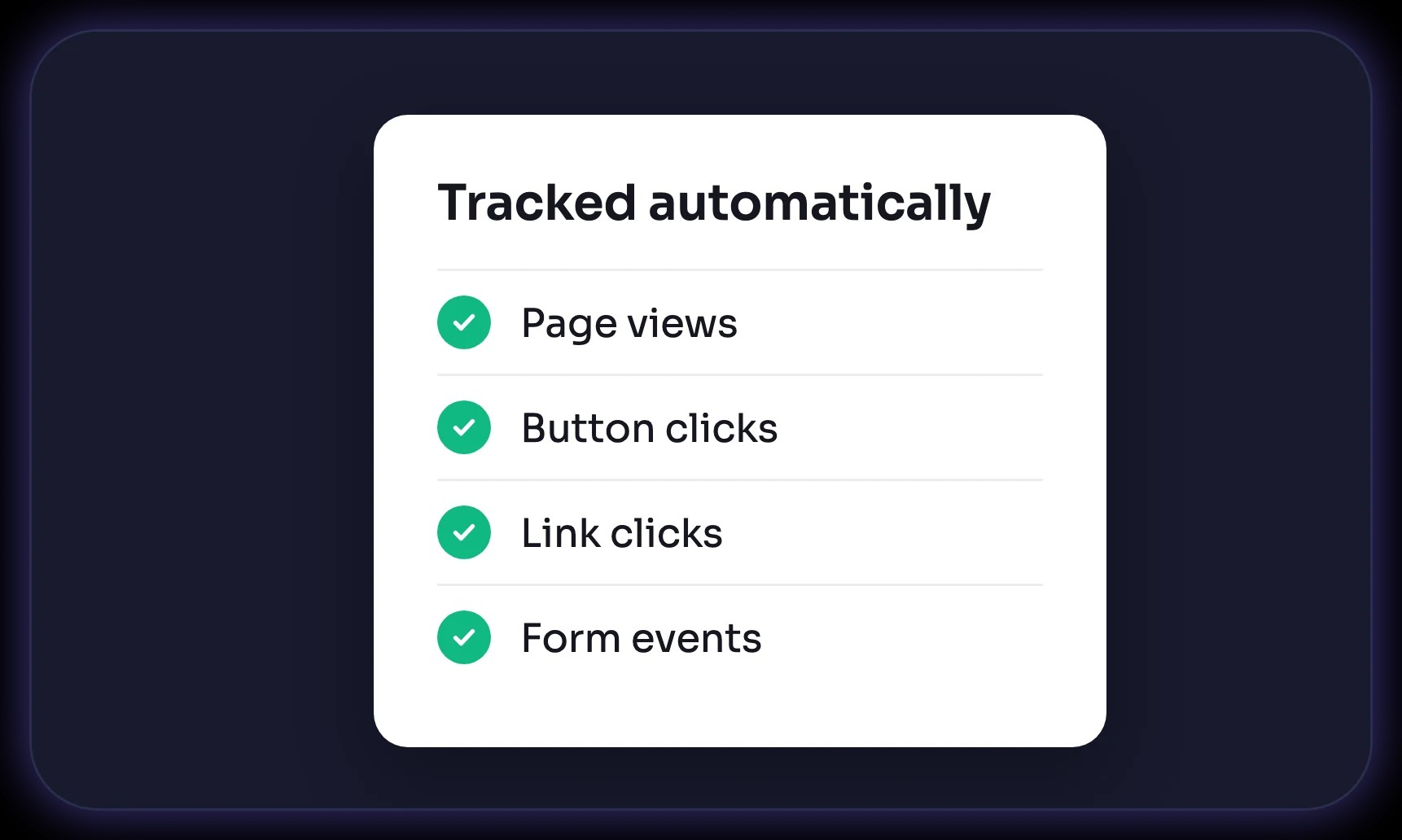
Page views, clicks, and form events are tracked automatically.

Open the events feed
See events arrive live from every visitor on your site.

Pick a visitor
Open their journey from the events feed.

Act on it
Write the hypothesis and launch the A/B test from the same platform.
Built into your testing platform
No tagging
Journeys come from the events the CROforce script already tracks.
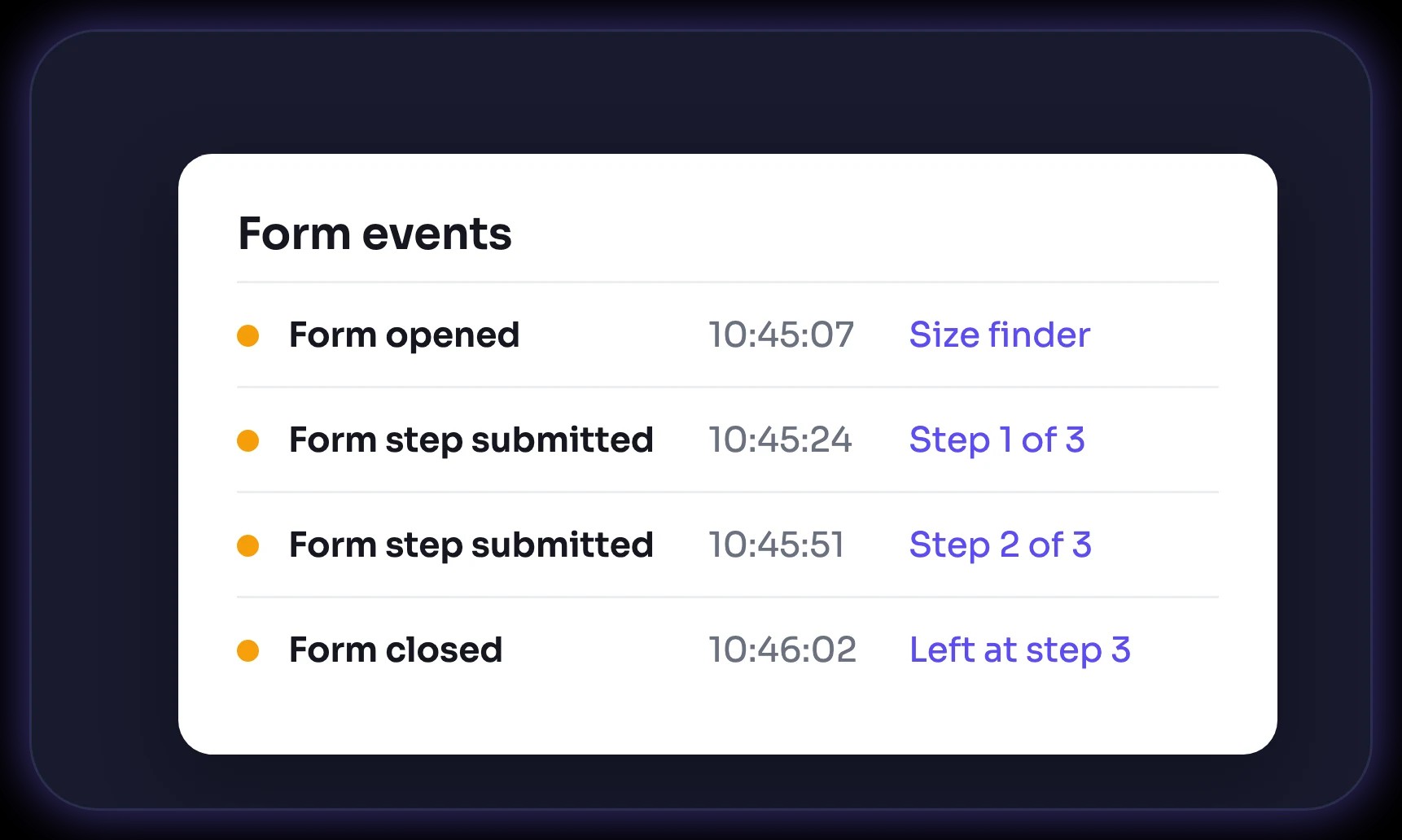
Form events included
Form opened, step submitted, and form closed show up next to clicks and page views.
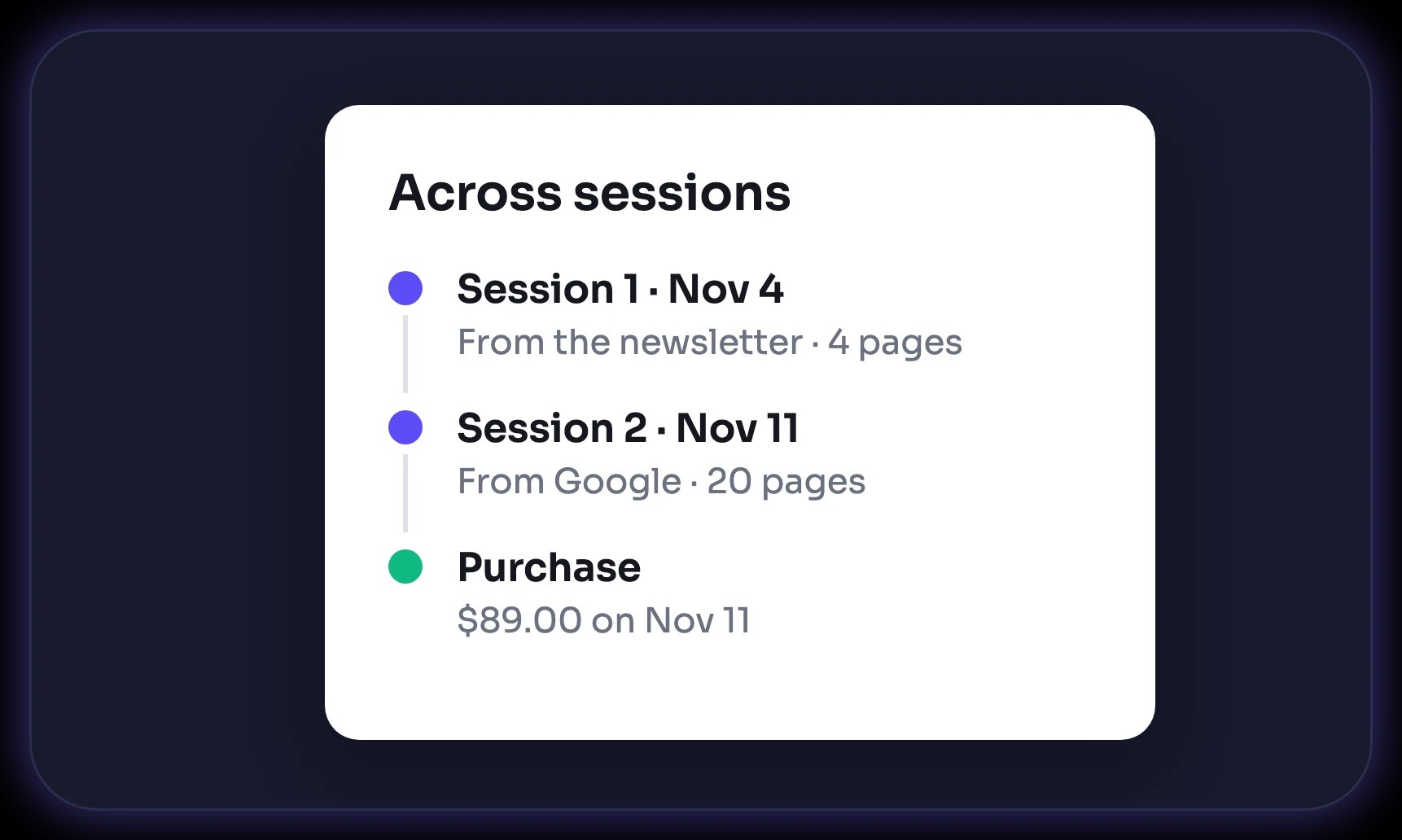
Across sessions
See a returning visitor's earlier sessions, not just today's.
Next to funnels and paths
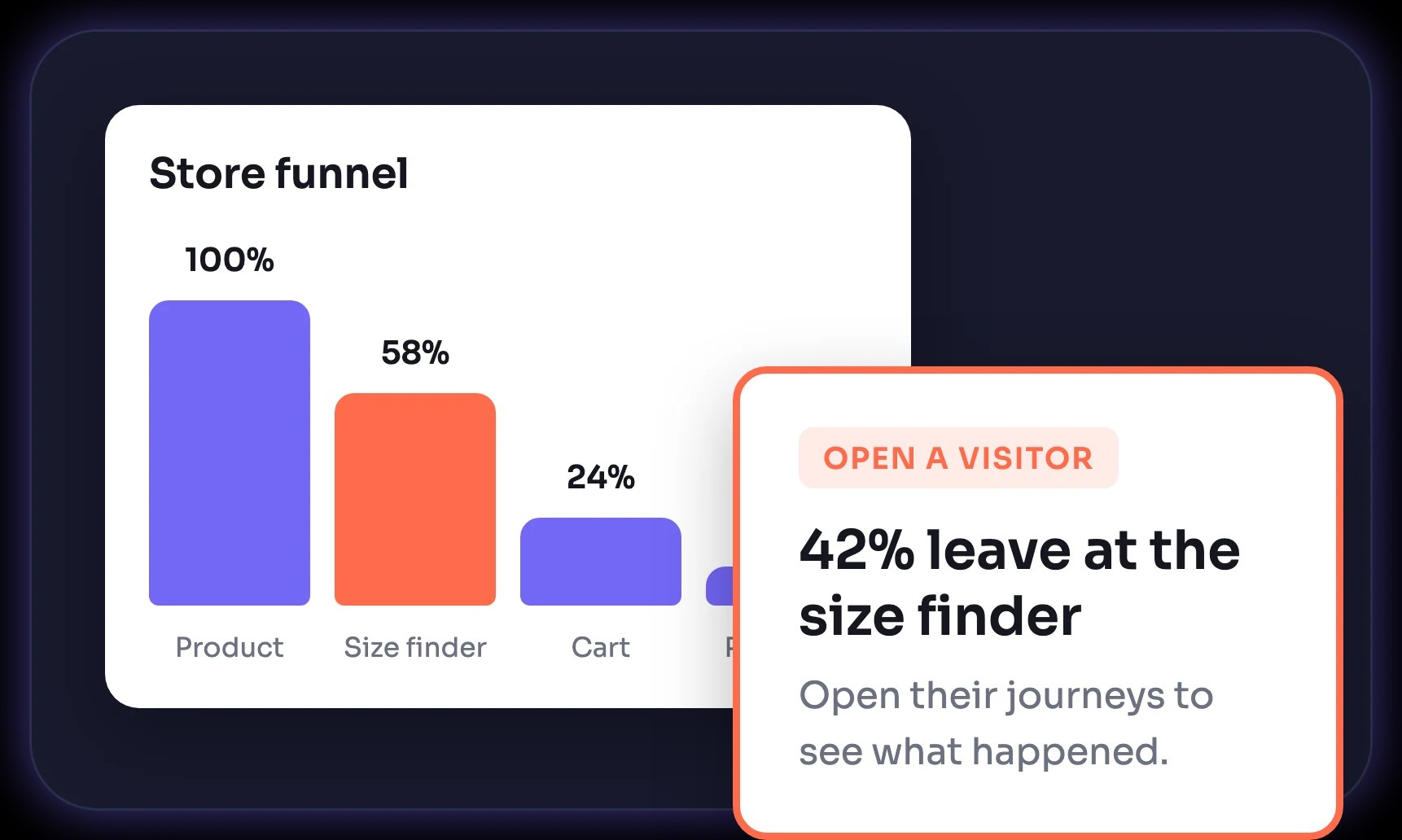
Funnels and conversion paths show the pattern. Journeys show the people behind it.
Integrate quickly with your existing tech stack

Hubspot

Squarespace

Salesforce

Shopify

Magento

Semrush

Mailchimp

Hootsuite

Wix

WordPress

BigCommerce

Google Analytics

Webflow

Mixpanel

Weebly

WooCommerce
Need done-for-you CRO execution?
Let our CRO team handle your strategy, design, code, and reporting. You get winning tests launched on our platform without spending internal team bandwidth.
Talk to an expert