Lead forms you can build, place, and test
Add the fields you need, send leads straight to your CRM, and see how many visitors each form turns into leads.
Forms that feed your pipeline
No developer needed
Start from a template or a blank form and edit it in the visual builder.
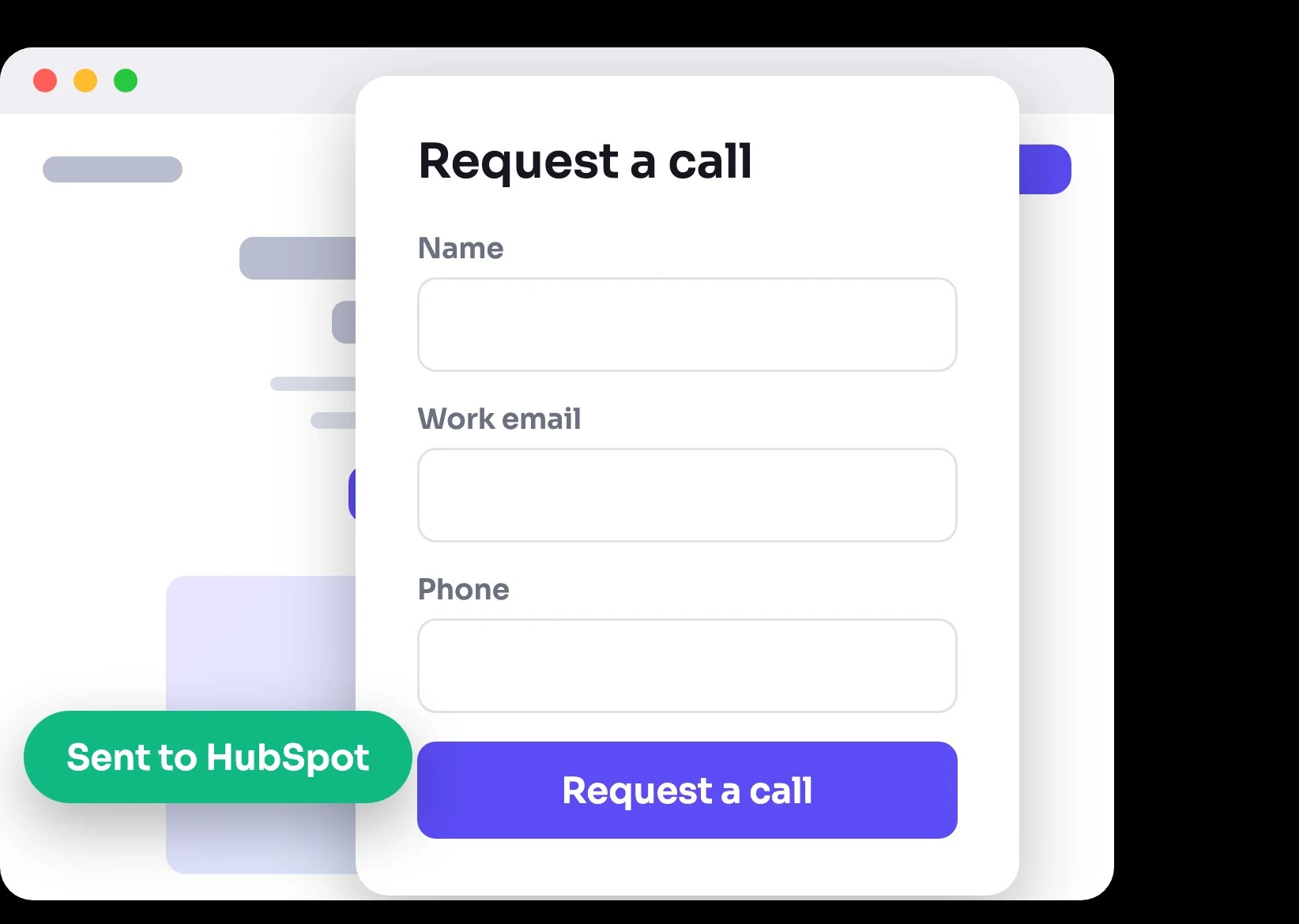
Leads go to your CRM
Send every submission to HubSpot, Zoho CRM, or Klaviyo, with email alerts.
Every form is measured
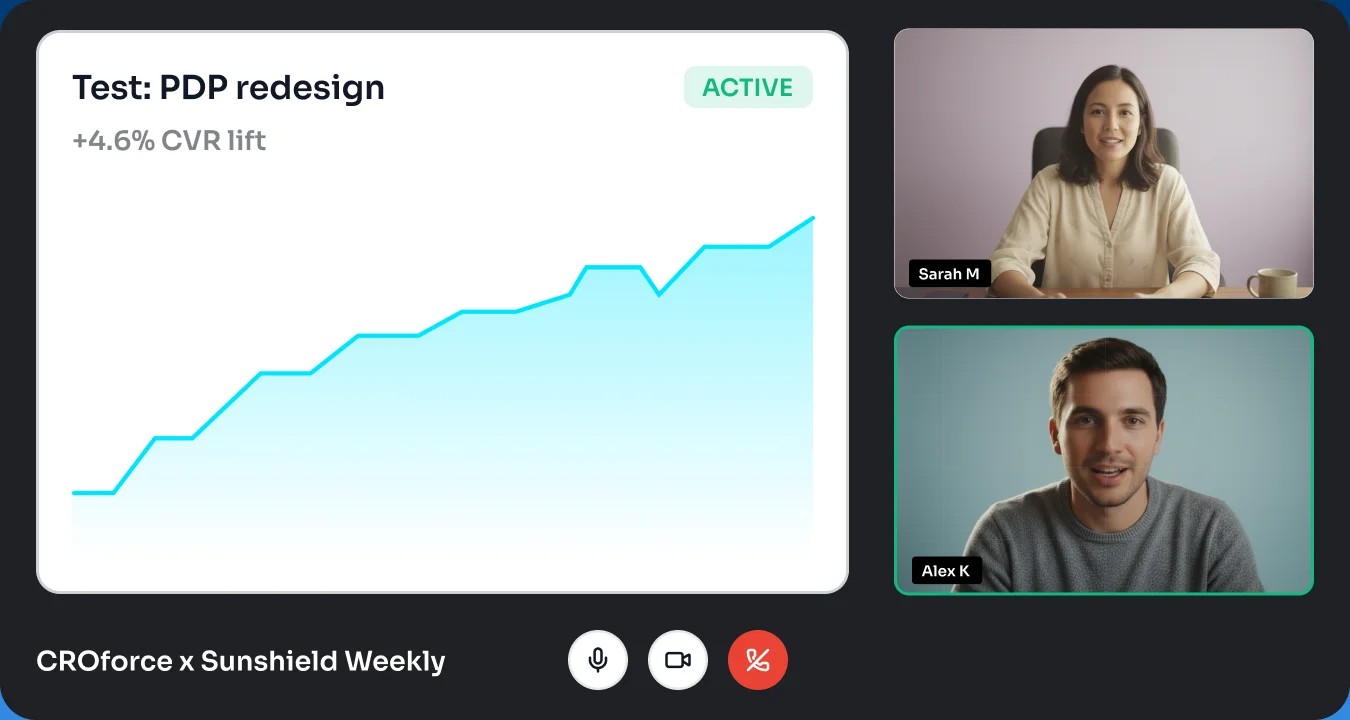
Form submits are tracked events, so any form can be the goal of a test.
Trusted by





From template to tracked lead
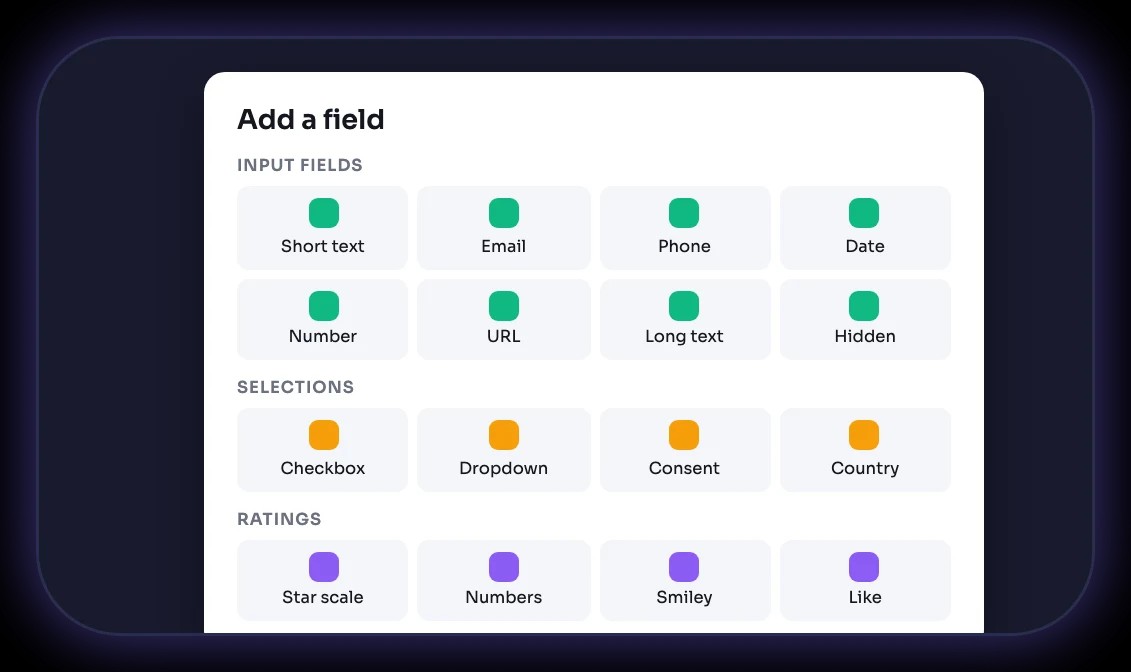
19 field types
Text, email, phone, date, URL, hidden fields, dropdowns, consent, country, and four kinds of ratings.
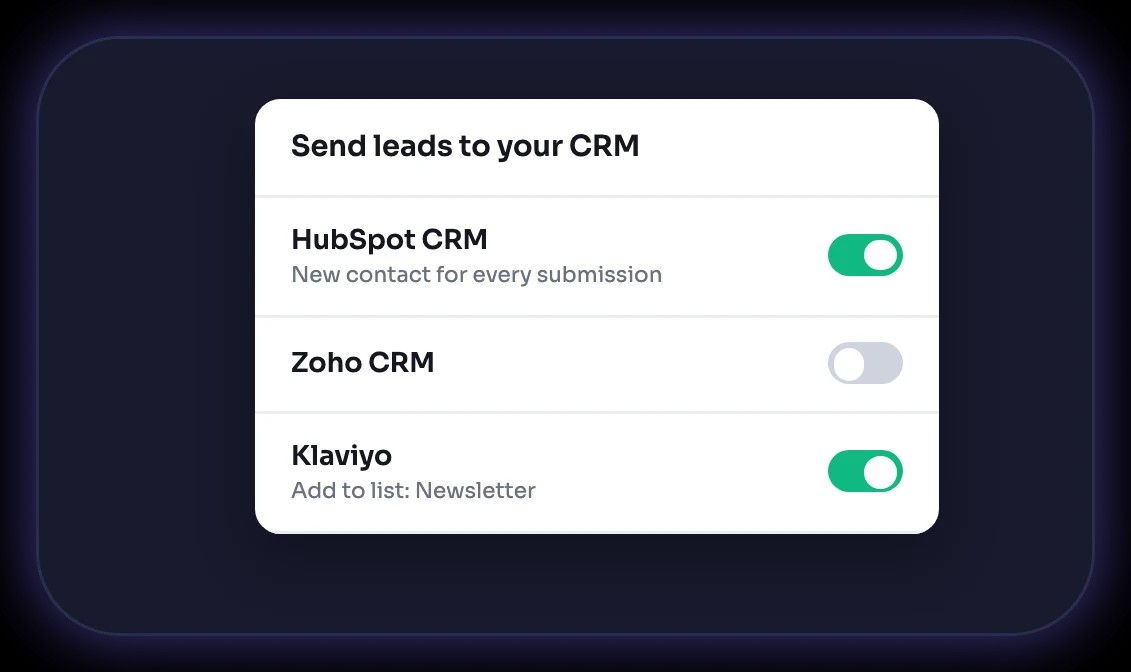
CRM connections
Send leads to HubSpot, Zoho CRM, or Klaviyo, and get an email for every new one.
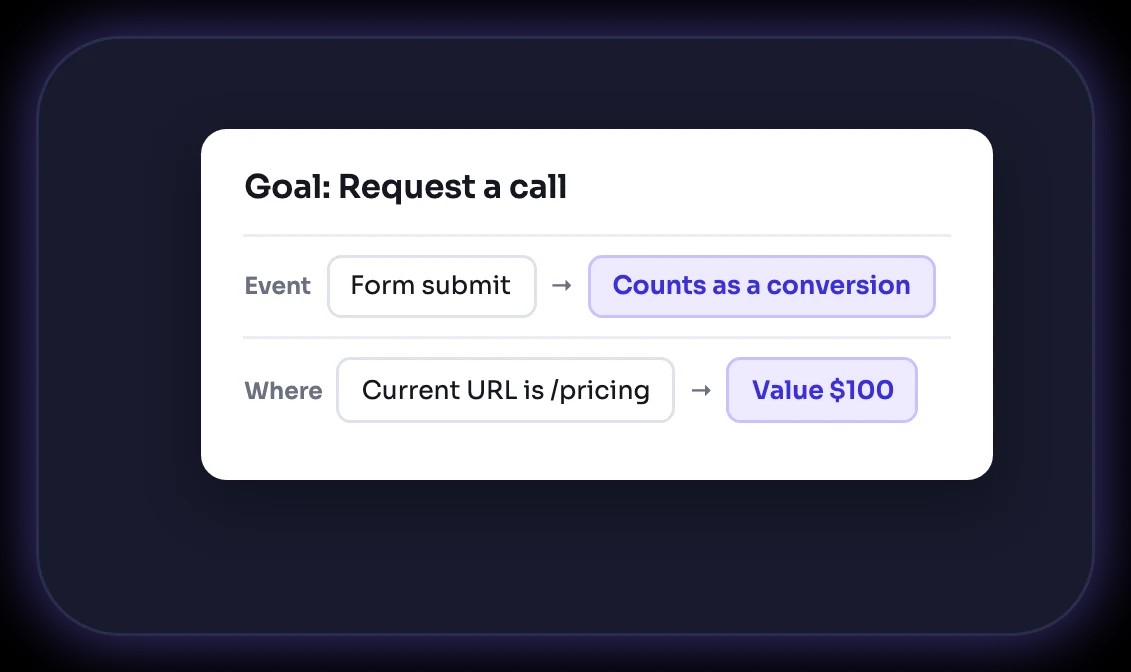
Form submits as goals
Make a form submit on any page the goal of your next A/B test.
Forms teams build with CROforce

+18%
Revenue lift
"CRO is tough to navigate on your own, but CROforce provides the expertise we were missing. They've helped us streamline our site and steadily improve our conversion rates."

Co-founder & CEO






Add a form in 4 steps

Pick a template
Start from Request a call, Get in touch, or Email, or start blank.

Add your fields
Add inputs, text, selections, and ratings, then style the form to your brand.

Connect your CRM
Turn on HubSpot, Zoho CRM, or Klaviyo, and email notifications.

Publish and test
Place it on your pages, then A/B test the form and the page around it.
Built into your testing platform
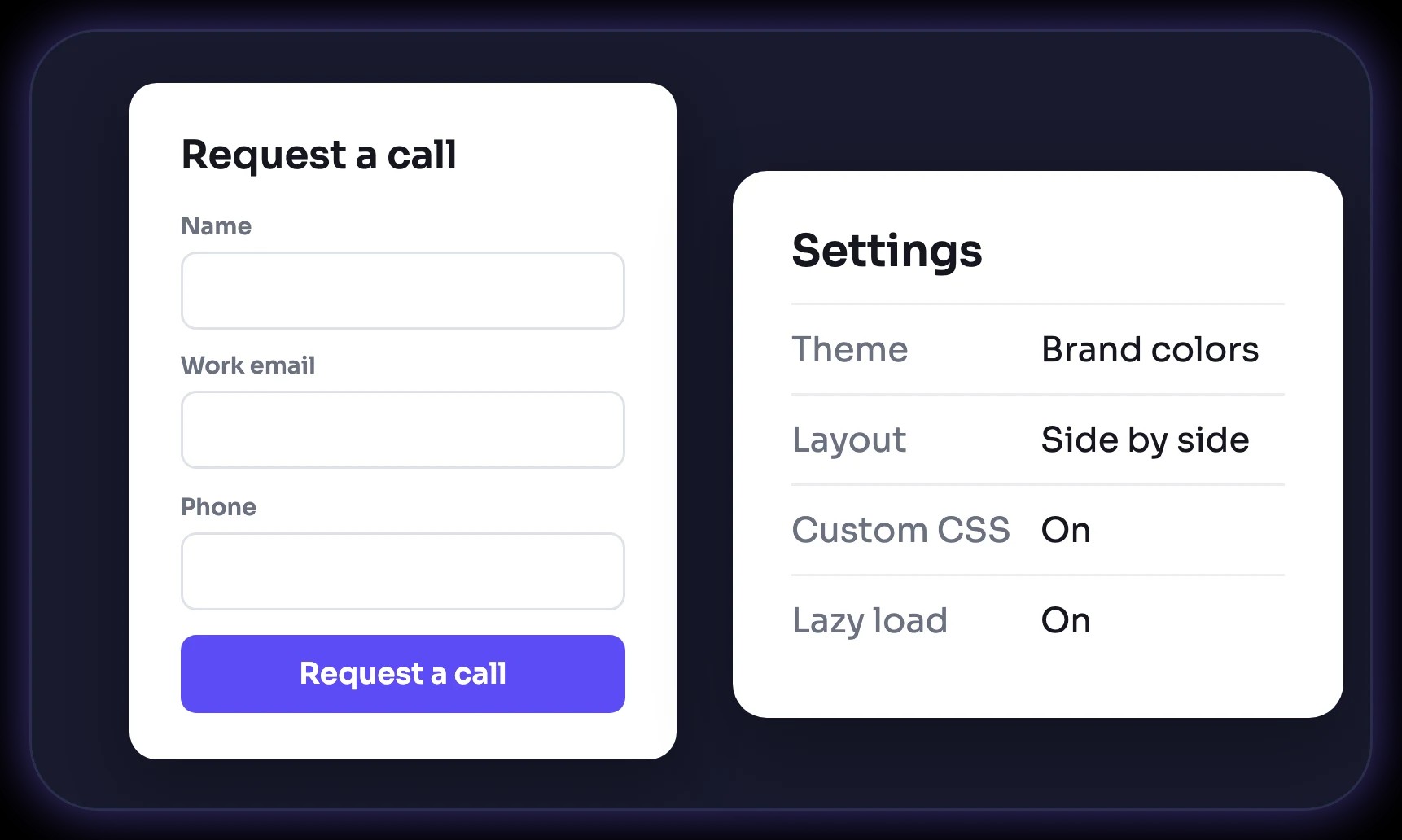
Your brand, your layout
Set the theme and layout, and add custom CSS when you need it.
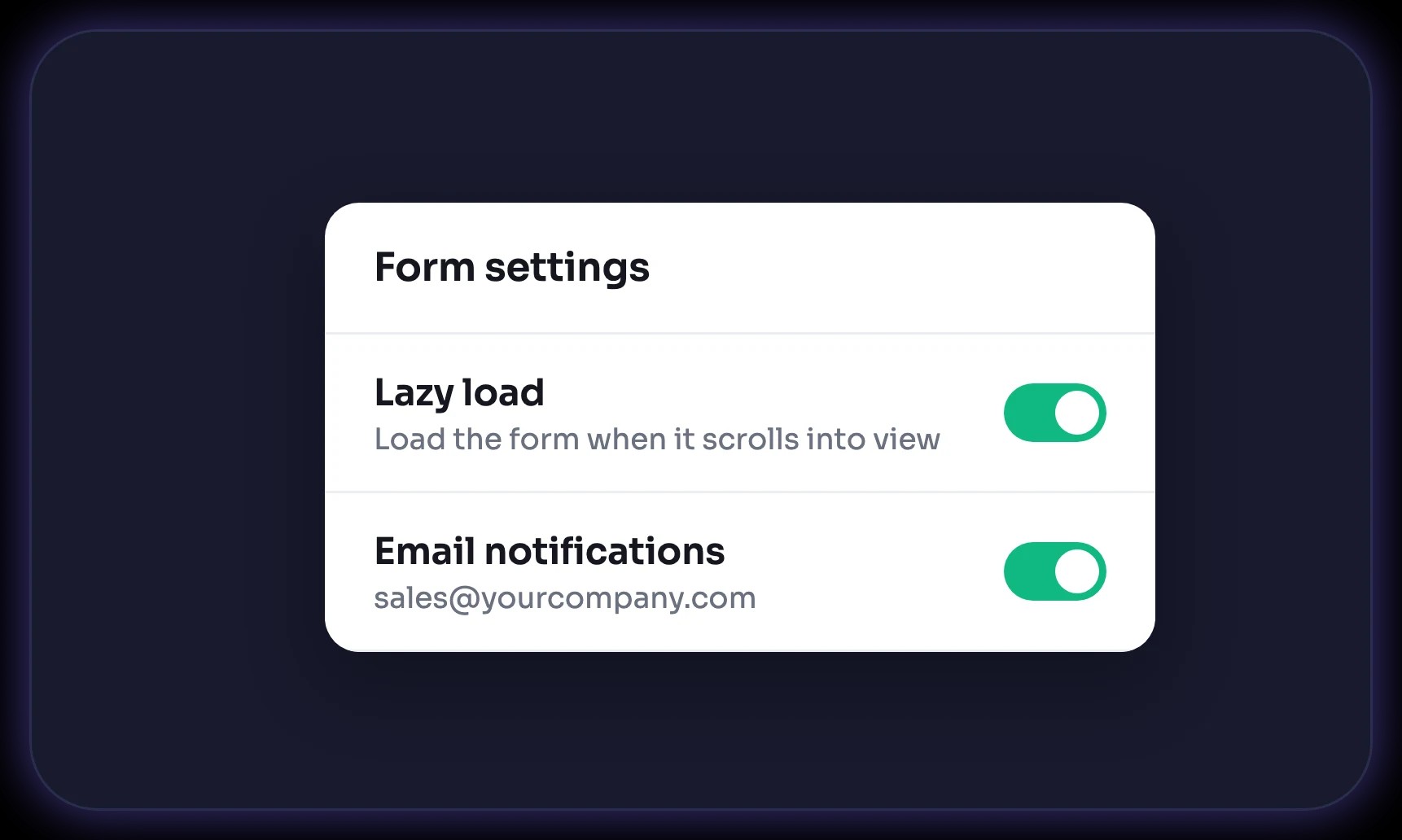
Fast pages
Lazy load keeps forms from slowing the page down, and email notifications tell you about every lead.
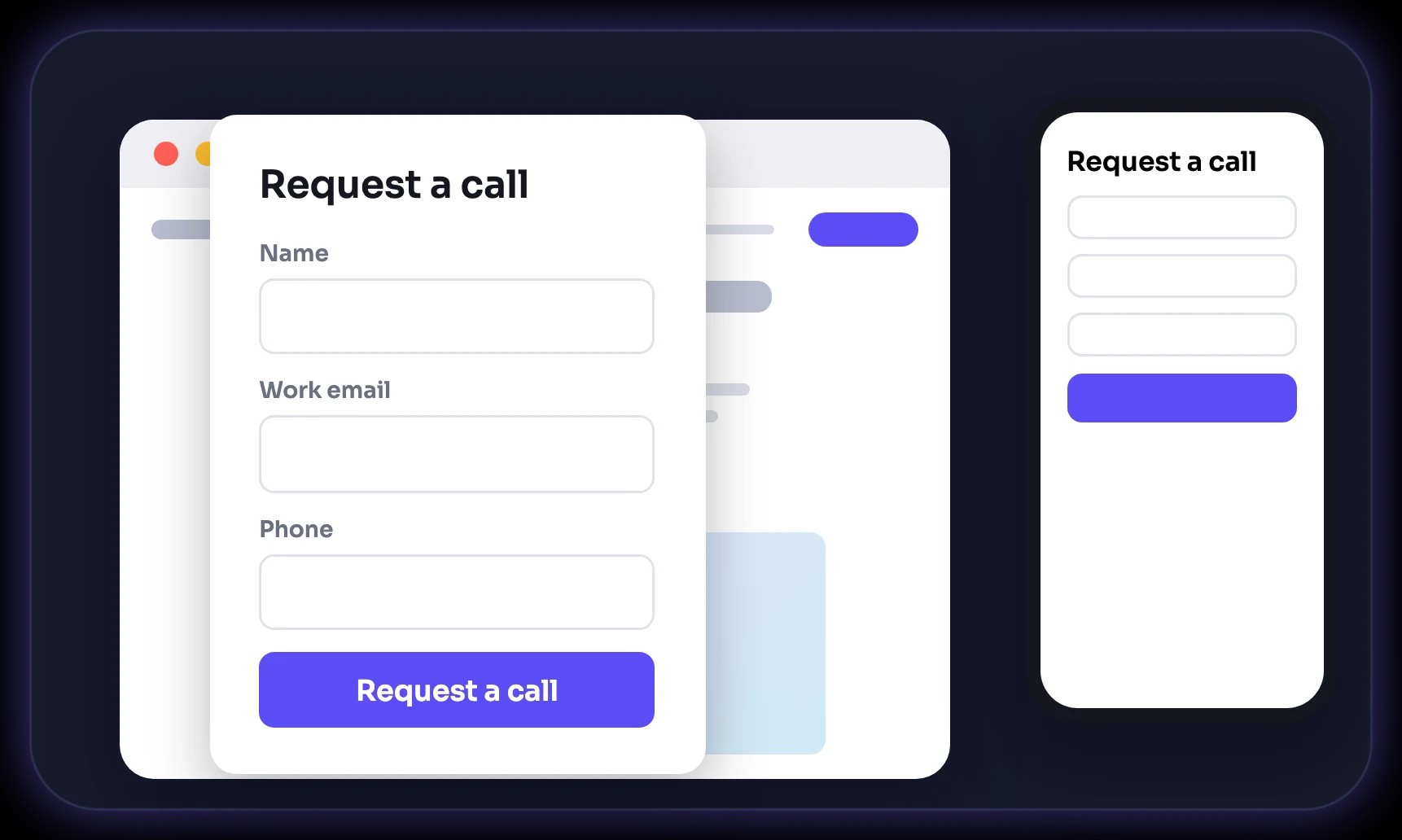
Desktop and mobile preview
Check the form on both screens before you publish.
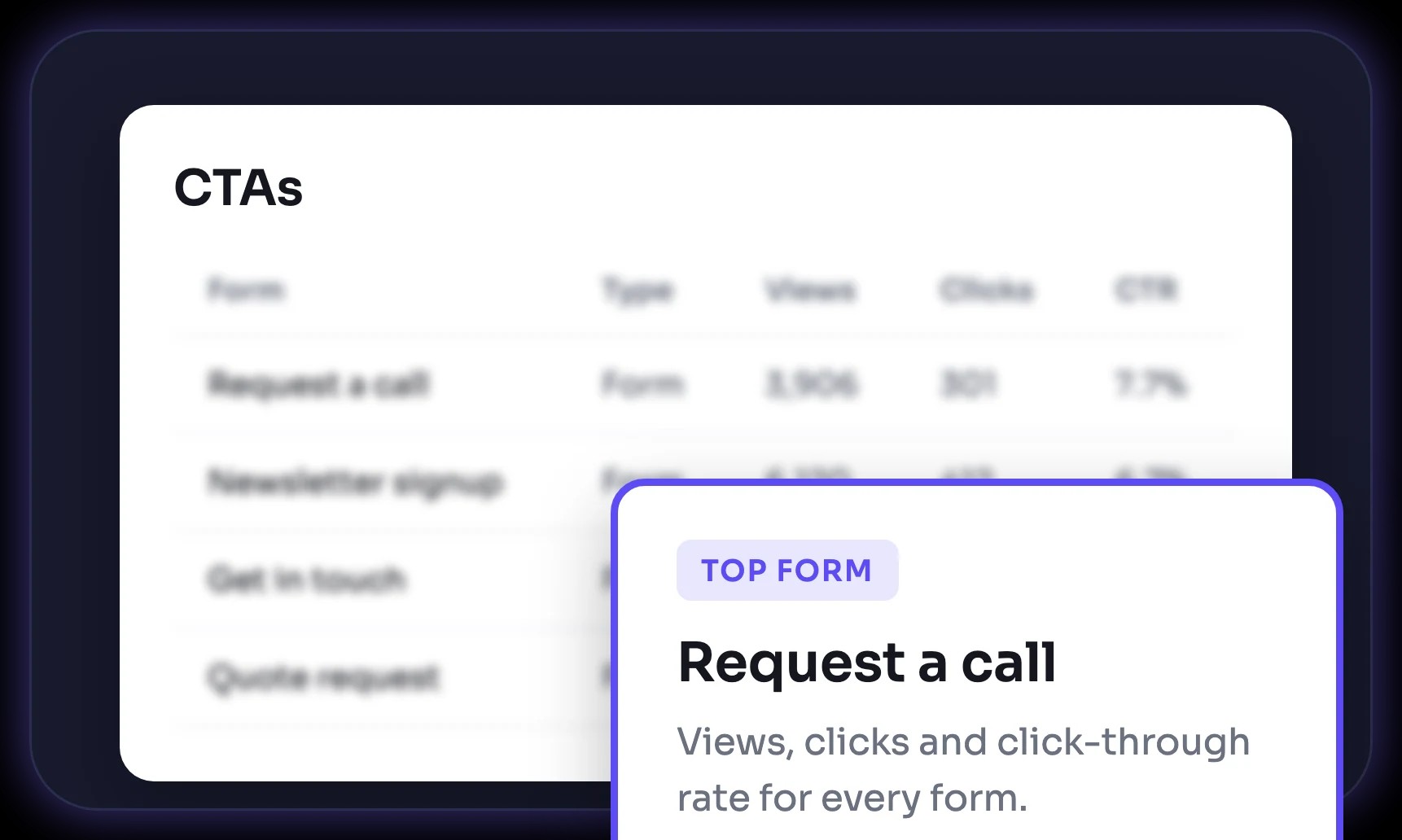
Views, clicks, and CTR
Each form reports views, clicks, and click-through rate, like every CTA.
Integrate quickly with your existing tech stack

Hubspot

Squarespace

Salesforce

Shopify

Magento

Semrush

Mailchimp

Hootsuite

Wix

WordPress

BigCommerce

Google Analytics

Webflow

Mixpanel

Weebly

WooCommerce
Need done-for-you CRO execution?
Let our CRO team handle your strategy, design, code, and reporting. You get winning tests launched on our platform without spending internal team bandwidth.
Talk to an expert