
7 best Unbounce alternatives for landing page A/B testing
The right landing page optimization tool should do more than help you build and publish pages. It should fit your team's workflow, support your conversion goals, and make the most of your time and resources. This blog compares the best Unbounce alternatives to help you find the right fit.






Published October 30, 2026

Building landing pages and running a rigorous conversion optimization program are two different jobs. Unbounce helps marketers build, publish, and optimize landing pages without relying on IT for every change, with tools for lead generation and conversion-focused design. However, its testing capabilities have limitations, including reliance on chi-square significance testing, which can increase the risk of false positives when results are repeatedly checked.
Unbounce also limits A/B testing to pages built on its platform, which can make it harder to extend experiments across a broader website. This guide compares seven Unbounce alternatives, examining their features, pricing, and trade-offs to help teams choose the right fit for their testing needs and resources.
A quick overview of the top 7 alternatives to Unbounce in 2026

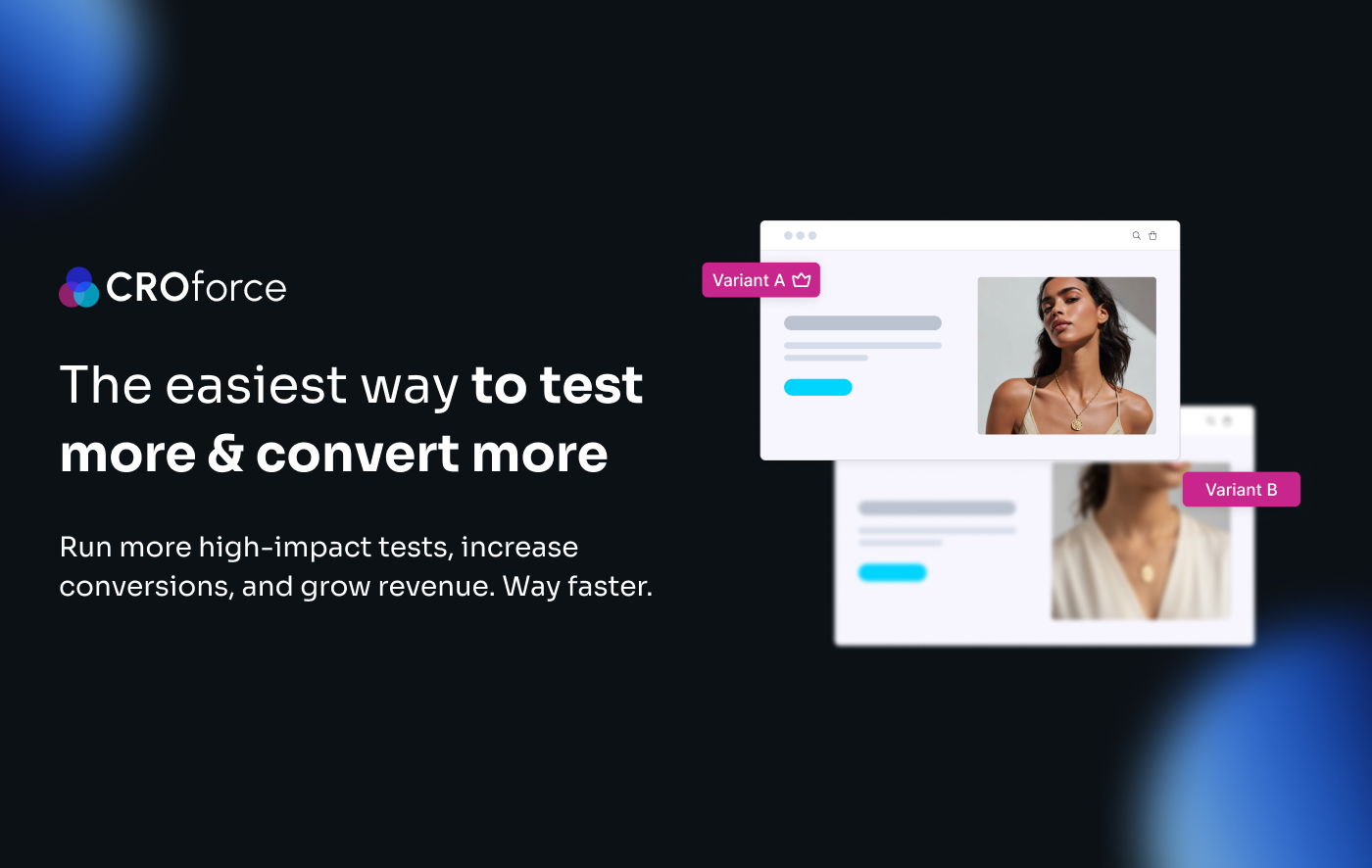
CROforce combines A/B testing software with a managed CRO service covering strategy, experiment design, development, and execution.
Fully managed CRO service
Test any page on any website
Run multivariate, split URL, feature, and A/A tests

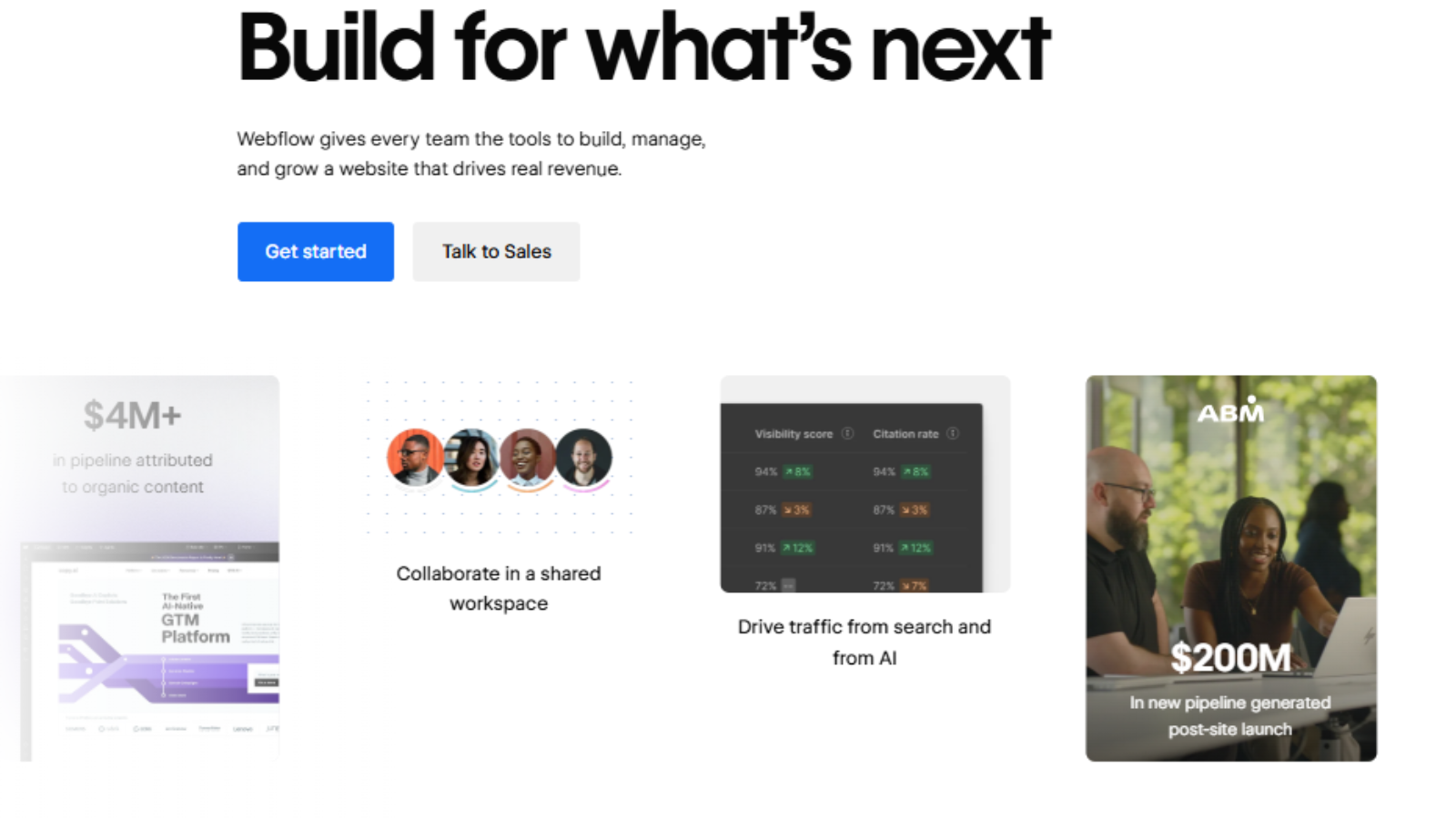
Webflow Optimize integrates A/B testing and personalization into the Webflow website-building environment.
Builds and tests page variants directly in Webflow Designer
Uses AI to allocate traffic toward better-performing variations
Supports audience targeting and goal-based experimentation

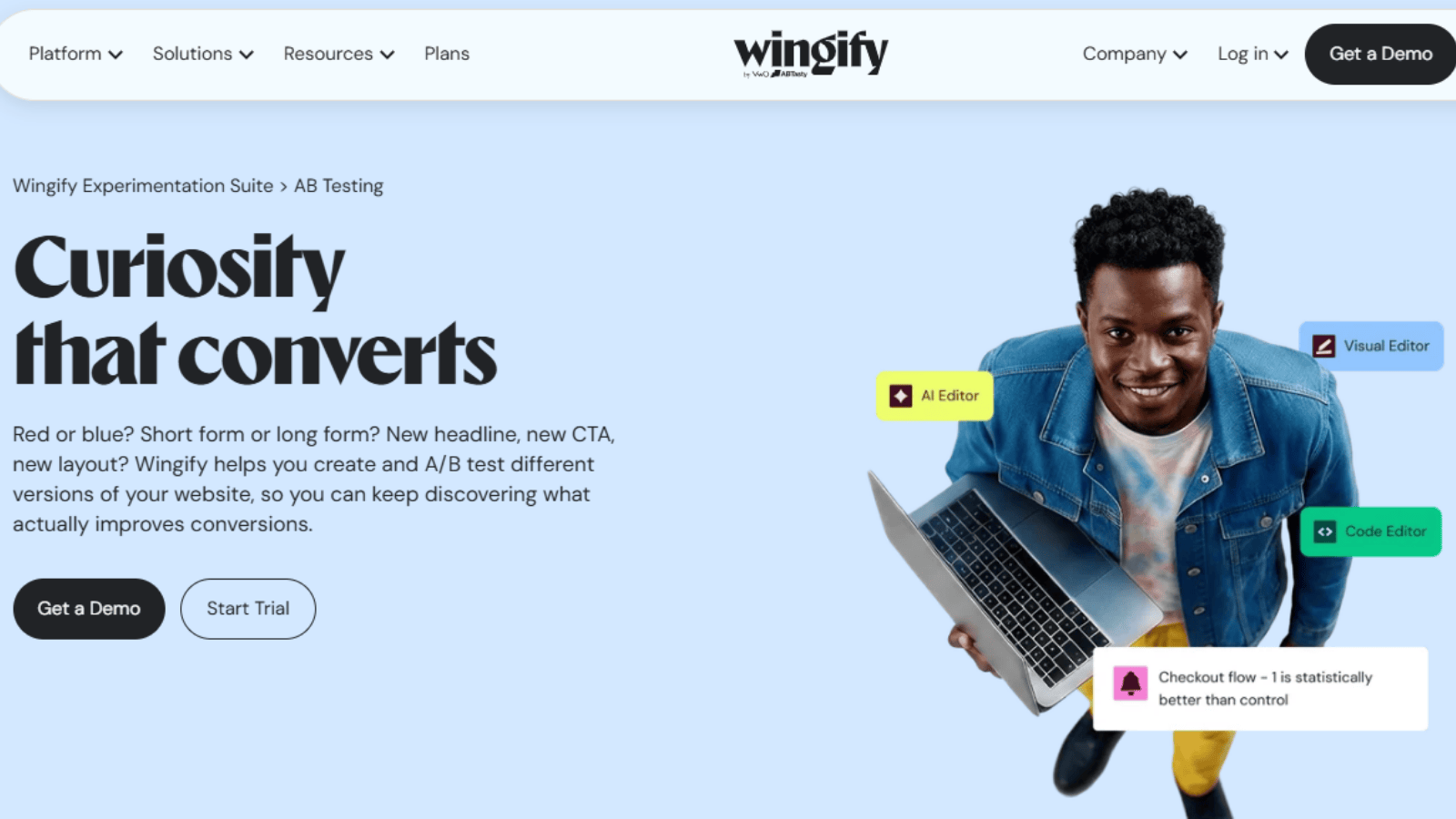
Wingify supports sitewide experimentation with statistical controls that help teams make more reliable testing decisions.
Sequential testing and Sample Ratio Mismatch detection
Guardrail metrics to monitor performance during experiments
Centralized testing across landing pages and existing websites
Show more
» Ready to run more high-impact A/B tests? Explore CROforce’s CRO services for strategy, execution, and ongoing testing support
The 7 best Unbounce alternatives in 2026
1

CROforce
CRO service
Every aspect of the testing program is handled by CROforce's team of experts
Site-wide testing
Run experiments natively on your existing site, tech stack, or e-commerce store
Advanced experimentation types
Supports multivariate, Split URL, server-side, and dynamic e-commerce price and shipping tests
Why we chose it
CROforce combines its own A/B testing platform with a team of analysts, designers, and engineers who manage the entire optimization process. This includes conversion audits, test roadmaps, variant design, development, quality assurance, and analysis. Unlike Unbounce, CROforce runs tests on your existing pages, keeping landing page results alongside broader site experiments.
This makes CROforce particularly useful for businesses that want a structured conversion rate optimization program without hiring an in-house team.
Core capabilities
- Managed landing page optimization
- Site-wide & cross-platform A/B testing
- Conversion audits and test roadmaps
- Variant design, development, and QA
- Advanced audience segmentation
- Statistical validation and test analysis
Pricing
Transparent flat-rate pricing. The software-only plan starts at $234/month (billed annually). Managed service plans start at $1,710/month (Build), $2,923/month (Scale), and $4,137/month (Premium), all billed annually. A 14-day trial and 30-day money-back guarantee are available.
Pros and cons
Tests any page across your entire website
Runs complex multivariate, split-URL, server-side, and dynamic pricing tests
Comes with native heatmaps built in to visualize user behavior
Includes a dedicated team of strategists, designers, and developers to handle execution
No landing page builder
2

Webflow
Native CMS integration
Builds and tests variants within the same environment as your main marketing site
AI traffic allocation
Automatically directs traffic toward top-performing variations
Familiar page editor
Lets Webflow teams create landing page variants without adopting another page-building tool
Why we chose it
Webflow Optimize brings A/B testing, personalization, and AI-driven traffic allocation into Webflow's existing site-building environment. Teams can create and test landing page variants directly in Webflow Designer, with variants staying on the primary domain rather than requiring a separate landing page setup.
It's best suited to businesses already using Webflow that want to add experimentation and personalization without introducing another page-building platform.
Core capabilities
- A/B testing and personalization
- AI-driven traffic allocation
- Variant creation in Webflow Designer
- Audience and goal targeting
- Testing through a tracking script on other sites
Pricing
Starts at $299 per month, based on page views, on top of a paid Webflow Site plan. Enterprise pricing is custom.
Pros and cons
Keeps landing pages on your primary domain
Builds variants in the familiar Webflow Designer
Automatically routes traffic to better-performing variations through AI Optimize
Key integrations such as GA4, HubSpot, and Salesforce require Enterprise pricing
AI Optimize does not report statistical significance
3

Wingify
Statistical safeguards
Helps prevent misleading conclusions caused by early peeking and unreliable traffic allocation
Traffic split monitoring
Flags Sample Ratio Mismatch issues before teams act on unreliable results
Real-time guardrails
Monitors key metrics and can disable variations when performance deteriorates
Why we chose it
Wingify brings more advanced experimentation and statistical controls to landing page and sitewide testing. Unlike Unbounce's basic page-splitting approach, it includes safeguards against unreliable traffic splits and misleading early results.
Features such as sequential testing, Sample Ratio Mismatch detection, and guardrail metrics help teams identify unreliable experiments and respond to performance drops. This makes Wingify a better fit for businesses that want to move beyond basic landing page tests and build a more rigorous testing program across their website.
Core capabilities
- Sitewide A/B testing
- Sequential testing
- Sample Ratio Mismatch detection
- Real-time guardrail metrics
- Centralized experiment reporting
Pricing
Custom, traffic-based pricing across Growth, Pro, and Enterprise tiers. A sales call is required to determine the cost.
Pros and cons
Helps prevent misleading results from checking a test too early
Flags unreliable traffic splits through SRM detection
Automatically disables underperforming variations when guardrail metrics deteriorate
Advanced governance features are excluded from the Growth plan
4


Optimizely
Enterprise statistics
Supports complex experimentation with advanced statistical controls
False discovery control
Manages false discovery risk across multiple metrics and variations
Experiment planning
Estimates time-to-significance to support testing schedules and program pacing
Why we chose it
Optimizely provides advanced experimentation through its Web Experimentation product. Its Stats Engine supports ongoing result monitoring and controls false discovery across multiple metrics and variations, making it more suited to complex enterprise testing programs.
While Unbounce focuses on landing page creation and basic experimentation, Optimizely is designed to support large-scale testing with more sophisticated statistical controls, experiment monitoring, and planning.
Core capabilities
- Advanced A/B and multivariate testing
- Stats Engine statistical analysis
- False discovery rate controls
- Time-to-significance estimates
- Experiment performance monitoring
Pricing
Custom enterprise contracts only. Web Experimentation costs approximately $36,000 to $40,000 per year, priced on monthly tracked users (MTUs).
Pros and cons
Supports ongoing monitoring with always-valid p-values
Controls false discovery across multiple metrics and variations
Helps estimate experiment duration and scheduling
Requires separate CMS and development resources to build variants
Statistical protections have limitations when analyzing segmented traffic
5

Convert Experiences
Statistical rigor
Includes frequentist and Bayesian statistics alongside SRM checks on every plan
Existing-page testing
Runs experiments directly on published pages instead of hosting separate landing pages
Built-in behavioral insights
Combines testing with heatmaps and session recordings
Why we chose it
Convert Experiences focuses on testing existing webpages rather than building and hosting landing pages, as Unbounce does. It also offers built-in tools to check test reliability and analyze visitor behavior, helping teams make more informed optimization decisions.
It's best suited to businesses that want to run rigorous A/B tests across their existing website without paying for a broader enterprise platform or relying on a separate landing page builder.
Core capabilities
- A/B and multivariate testing
- Frequentist and Bayesian statistics
- Sample Ratio Mismatch checks
- Heatmaps and session recordings
- Testing across existing websites
Pricing
Growth starts at $299 per month, billed annually, for 100,000 monthly tested users. Pro costs $420 per month, billed annually, with unlimited experiences. Enterprise pricing is custom.
Pros and cons
Includes SRM checks and two statistical approaches across all plans
Tests existing pages to keep site and landing page experiments together
Includes heatmaps and session recordings without using tested-visitor quotas
Growth limits teams to five active experiences per project
6

Kameleoon
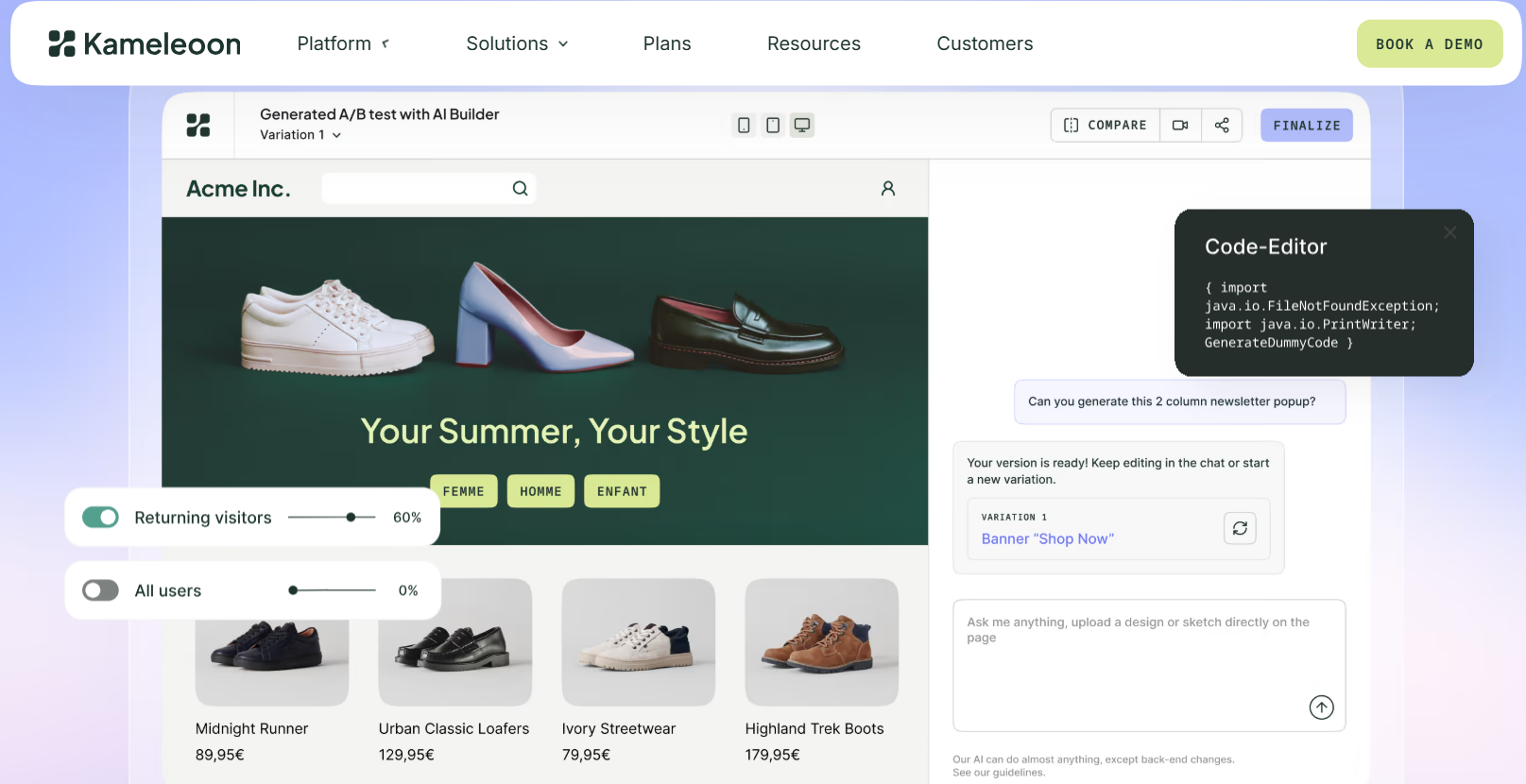
Prompt-based variant creation
Uses plain-language instructions to build and launch experiments
Built-in statistical controls
Includes sequential testing, multiple testing correction, and SRM detection on the entry plan
Experiment isolation
Prevents concurrent tests from interfering with one another through mutually exclusive audience groups
Why we chose it
Kameleoon uses Prompt-Based Experimentation to help marketers create page variants by describing changes in plain language. Rather than relying entirely on manual editing or developer-written code, teams can use AI to build and launch experiments more efficiently.
It is a useful option for teams that want to increase testing speed while retaining control over experiment quality, although developers remain important for QA, integrations, and more complex changes.
Core capabilities
- Prompt-Based Experimentation
- AI-assisted variant creation
- Sequential testing
- Multiple testing correction
- Sample Ratio Mismatch detection
- Mutually Exclusive Groups
Pricing
PBX Starter starts at $495 per month, with up to 10 experiments and 50,000 visitors per month. Enterprise pricing is custom.
Pros and cons
Creates variants using plain-language prompts
Includes key statistical controls on the entry plan
Prevents overlapping experiments from contaminating one another through Mutually Exclusive Groups
Experiments stop if the monthly visitor quota is reached
7

PostHog
Unified analytics
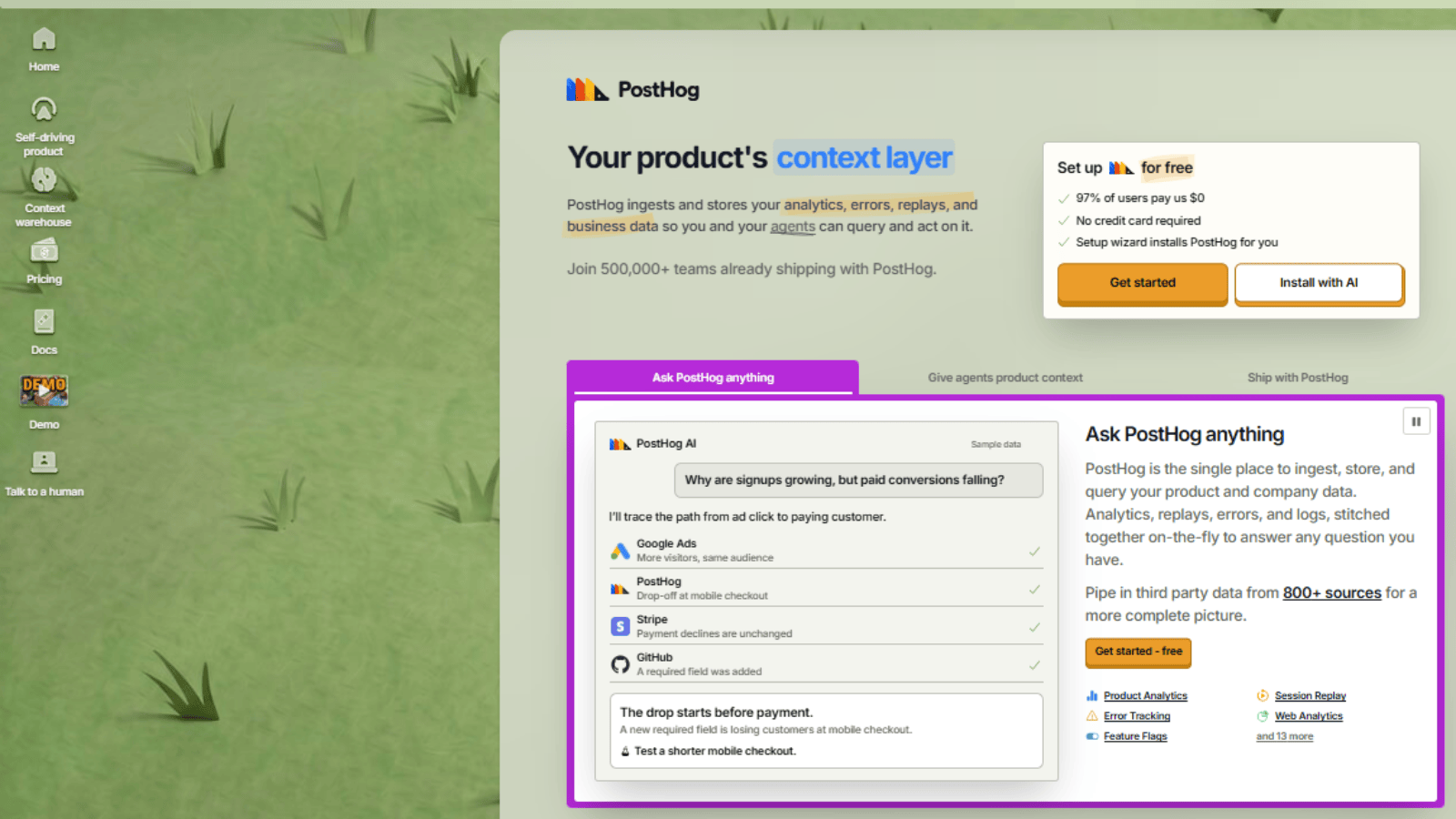
Connects A/B test results with product analytics and session replays
B2B group testing
Helps ensure users from the same account experience consistent variants
Efficient experimentation
Uses Bayesian statistics and CUPED variance reduction to improve statistical efficiency
Why we chose it
PostHog combines A/B testing with product analytics, session replays, feature flags, and surveys in one dataset. While Unbounce focuses on landing page creation and experimentation, PostHog gives teams a broader view of how users interact with their products before, during, and after an experiment.
This makes it possible to connect test results with behavioral data, analyze session replays, and understand differences between user groups without relying on separate analytics tools. It is particularly useful for product-led SaaS businesses with engineering support.
Core capabilities
- A/B testing and feature flags
- Product analytics
- Session replays
- Surveys
- Bayesian statistics and CUPED variance reduction
- Group-level experimentation
Pricing
Usage-based, with one million requests free per month. PostHog's published example puts 10 million monthly requests at $460 per month.
Pros and cons
Combines testing, analytics, and session replays in one dataset
Uses Bayesian statistics and CUPED to improve testing efficiency
Lacks a native Google Ads integration
Variant creation depends on internal designers or engineers
» Make sure to avoid these A/B testing mistakes that can undermine your testing program
How to choose the right Unbounce alternative
Choosing an Unbounce alternative requires an honest assessment of your team's design capacity, testing velocity, and ability to turn experiments into actionable results. Before comparing software features, consider these factors:
- Landing page building: Decide whether you need a tool that builds and publishes landing pages as well as runs A/B tests, or whether testing existing pages is enough.
- Internal design bandwidth: Assess whether your team has enough designers and copywriters to produce new headlines, layouts, and offers consistently
- Testing velocity: Check how many landing page experiments your team can realistically launch, run, and analyze each month
- Statistical rigor: Look for testing controls that help you reach reliable conclusions rather than acting on misleading results
- Execution support: Determine whether your team can manage research, design, development, and analysis internally or needs a managed service
- Cost per experiment: Add software fees and internal labor costs, then divide by the number of experiments that reached a clear decision
» Not sure what to test? Our A/B testing for UX guide covers how to identify the highest-impact areas on your site.
A more effective approach to landing page optimization
Unbounce solved one problem: getting landing pages live without waiting on developers. But publishing pages and running a rigorous conversion rate optimization program are two different disciplines. Your next tool needs to help you find out which versions convert best.
Before investing in a more advanced testing engine, look at how many landing page variants you produced last quarter and how many tests reached a clear result. If the first number is low, more sophisticated software won't solve the underlying problem. Every testing platform needs a steady supply of new headlines, layouts, and offers, and that supply comes from people, not software.
When the bottleneck is a lack of specialists to research, design, build, and analyze experiments, CROforce's landing page optimization service provides that expertise alongside its testing platform.
» Ready to see how a managed landing page test works? Book a demo with CROforce