
10 best A/B testing tools for CRO in 2026 (expert review)
Not all A/B testing tools are built for the same program. This guide reviews ten options by use case, from managed services to open-source platforms, so you can match the right tool to your team's setup, traffic volume, and testing capacity.






Updated April 28, 2026

Since Google Optimize was discontinued in September 2023, there's no longer a free default for everyone to fall back on. Most roundups still don't give you enough to tell the remaining options apart. The real differences show up in how well a tool fits your team's technical setup, your traffic volume, and who will actually be running experiments week to week.
We reviewed ten tools you can use for conversion rate optimization based on testing reliability, statistical methodology, ease of use for non-technical teams, and pricing transparency. The list is organized by use case so you can find the right fit without reading every entry.
Our top 10 A/B testing tools in 2026 at a glance

CROforce is a fully managed A/B testing service combining expert strategy, execution, and analysis.
Fully managed testing program, no in-house CRO team required
Expert-led test strategy, design, development, and reporting
Proven uplifts across e-commerce, SaaS, and lead generation

VWO combines A/B testing, heatmaps, session recordings, and visitor surveys in one platform built for conversion-focused marketing teams.
Visual editor for no-code test setup
Built-in behavioral research tools alongside experimentation
Free plan available for up to 50K users/month

Optimizely is built for large organizations running complex, multi-team experimentation programs.
Full-stack and feature experimentation capabilities
Advanced targeting, personalization, and statistical controls
Integrates with enterprise data and analytics stacks
Show more
10 best A/B testing tools in 2026
1

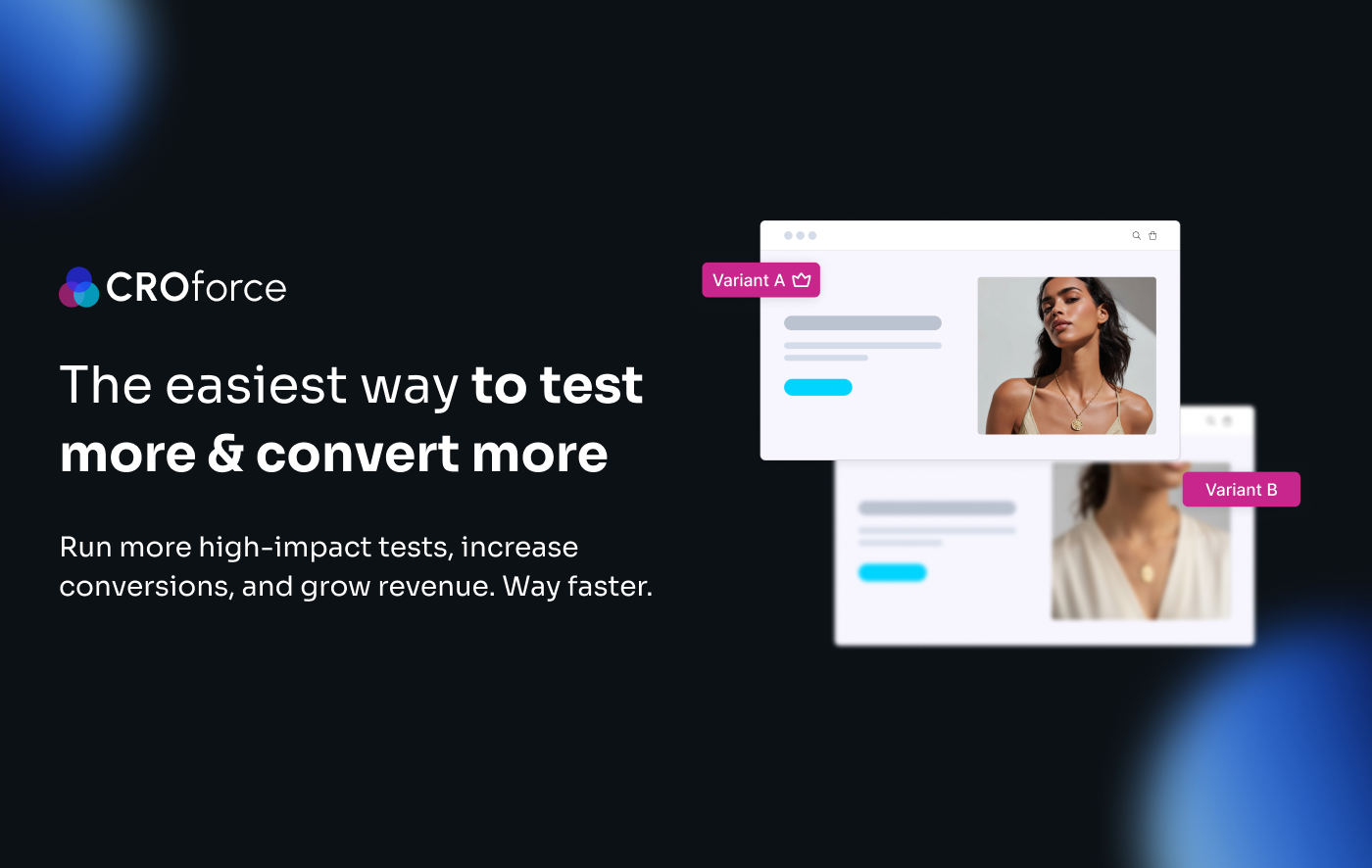
CROforce
Fully managed service
A team of CRO experts manages your A/B testing program, from strategy and execution to analysis.
Expert CRO team on demand
Clients get access to dedicated CRO specialists without the cost or commitment of building an in-house team
Higher test velocity
Rmoves the resourcing bottleneck, enabling teams to ship significantly more tests than a DIY tool setup allows
Why we like it
The biggest bottleneck in most A/B testing programs isn't the software; it's the people. Building, QA-ing, monitoring, and analyzing tests at a meaningful velocity requires specialist skills most in-house teams don't have at full capacity.
CROforce removes that bottleneck entirely, which means more tests shipped, more results analyzed, and a faster feedback loop between test results and site improvements.
Features
- Run A/B, split URL, multivariate, A/A, and redirect tests
- Access a full visual editor and advanced targeting without developer dependency
- Get end-to-end management: strategy, design, development, monitoring, and analysis
- Receive a CRO audit and test roadmap prioritized by revenue impact
Pricing
Software-only plan from $234/month (billed annually). Managed service plans start at $1,365/month (Build), $2,300/month (Scale), and $3,235/month (Premium), all billed annually. A 14-day trial and 30-day money-back guarantee are available.
Pros and cons
Full-service model removes the internal resource and expertise bottleneck
Faster testing velocity than in-house teams running a DIY tool
Strategy and prioritization included, not just test execution
Not a fit for teams that want full independent control over test design and analysis
Less suited to developer-driven, server-side feature flag use cases
2

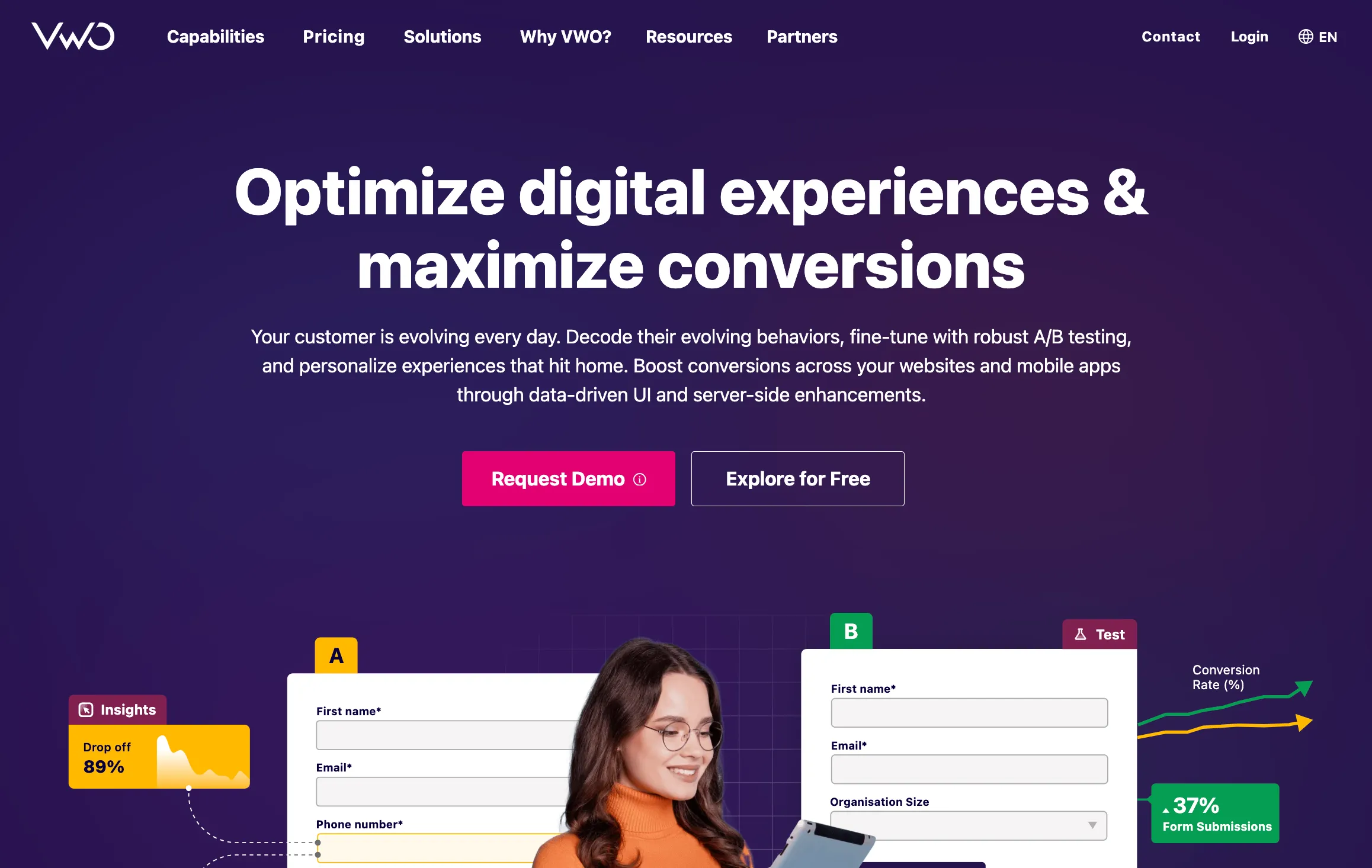
VWO
Visual editor
A point-and-click editor lets marketers build and launch tests on live pages without writing code or involving developers
Built-in behavioral research
Heatmaps, session recordings, form analytics, and surveys sit in the same dashboard as your test results
Backlog management
A built-in idea tracker lets teams log, prioritize, and manage their testing pipeline without a separate tool
Why we like it
VWO is the most comprehensive all-in-one platform below enterprise pricing, covering client-side and server-side testing, multivariate testing, heatmaps, session recordings, and on-page surveys from a single dashboard.
Following its January 2026 merger with AB Tasty, the combined platform adds significant personalization depth and European market coverage that makes it more capable than ever.
Features
- Run A/B, multivariate, and split URL tests with a no-code visual editor
- Test server-side with feature flags and SDK-based experimentation
- Analyze user behavior with built-in heatmaps, session recordings, and form analytics
- Run on-page surveys to collect qualitative data alongside test results
- Manage your testing program with a built-in idea backlog and hypothesis tracker
Pricing
Free plan available for up to 50K users per month. Paid plans for web testing start at approximately $393/month. Server-side and advanced plans require contacting sales.
Pros and cons
Most complete all-in-one platform below enterprise pricing
Strong behavioral analytics built in; no separate tool needed
Merger with AB Tasty adds significant personalization capabilities
JavaScript snippet can add page load overhead on high-traffic sites
Pricing scales quickly with tested user volume
3

Optimizely
CDN-level edge testing
Experiments run at the CDN layer, eliminating the flicker that affects client-side testing on high-traffic pages
Mutual exclusion groups
Allows 20+ concurrent experiments to run simultaneously without traffic overlap or result contamination
Full-stack experimentation
Supports client-side, server-side, feature flag, and progressive rollout testing across web, mobile, and backend
Why we like it
Optimizely is the most powerful platform on this list, and the most expensive. Gartner named it a Leader in Digital Experience Platforms for six consecutive years. For enterprise teams running complex, high-volume programs, its edge experimentation and mutual exclusion groups are capabilities no other tool on this list can match. If you've outgrown every other platform, this is where serious programs end up.
Features
- Run server-side feature flags, progressive rollouts, and full-stack experimentation
- Test at the CDN edge to eliminate flicker on high-traffic pages
- Manage unlimited concurrent experiments with mutual exclusion groups
- Access advanced governance: audit logs, SSO, and role-based access control
Pricing
Custom pricing only. Plans typically start around $36,000 per year and scale with traffic volume and feature requirements.
Pros and cons
Industry-leading feature experimentation and server-side capabilities
Best-in-class governance for enterprise teams running multiple experiments simultaneously
CDN-level edge experimentation eliminates flicker on high-traffic page
No free trial; requires a sales conversation to even evaluate
Hard to justify without a mature, high-volume program
4

Convert Experiences
Improvement Over Time
A trend graph shows how a test result is moving across its full duration, reducing the risk of calling tests on early data swings
Privacy-first architecture
GDPR-compliant by design, with cookieless tracking and no reliance on Google infrastructure for data processing
Transparent self-serve pricing
Plans start at $299/month with no sales call required, making it the most accessible full-featured tool on this list
Why we like it
Convert offers advanced testing features you'd typically expect from enterprise tools like Optimizely or Kameleoon, at a fraction of the cost. Its "Improvement Over Time" trend visualization is something few tools offer and significantly reduces the risk of calling tests prematurely.
Paired with transparent self-serve pricing and a 4.7/5 G2 rating, it's the strongest value option for serious CRO teams that don't need Optimizely's scale.
Features
- Run A/B, multivariate, and split URL tests with a visual editor and code editor
- Monitor test performance with the "Improvement Over Time" trend graph
- Run server-side experiments via SDK integrations
- Integrate natively with GA4, Mixpanel, HubSpot, Segment, and 100+ tools
- Control data privacy with GDPR-compliant, cookieless tracking options
Pricing
Growth plan at $299/month (100K tested users, billed monthly). Pro at $420/month billed annually (250K tested users). Enterprise pricing on request. 15-day free trial available.
Pros and cons
Enterprise-level features at mid-market pricing
Best statistical reporting visualization on the market for calling tests confidently
Privacy-first: no third-party cookies, no Google data sharing
Visual editor differs from VWO and Optimizely; takes adjustment
Onboarding support is limited on lower-tier plans
5

PostHog
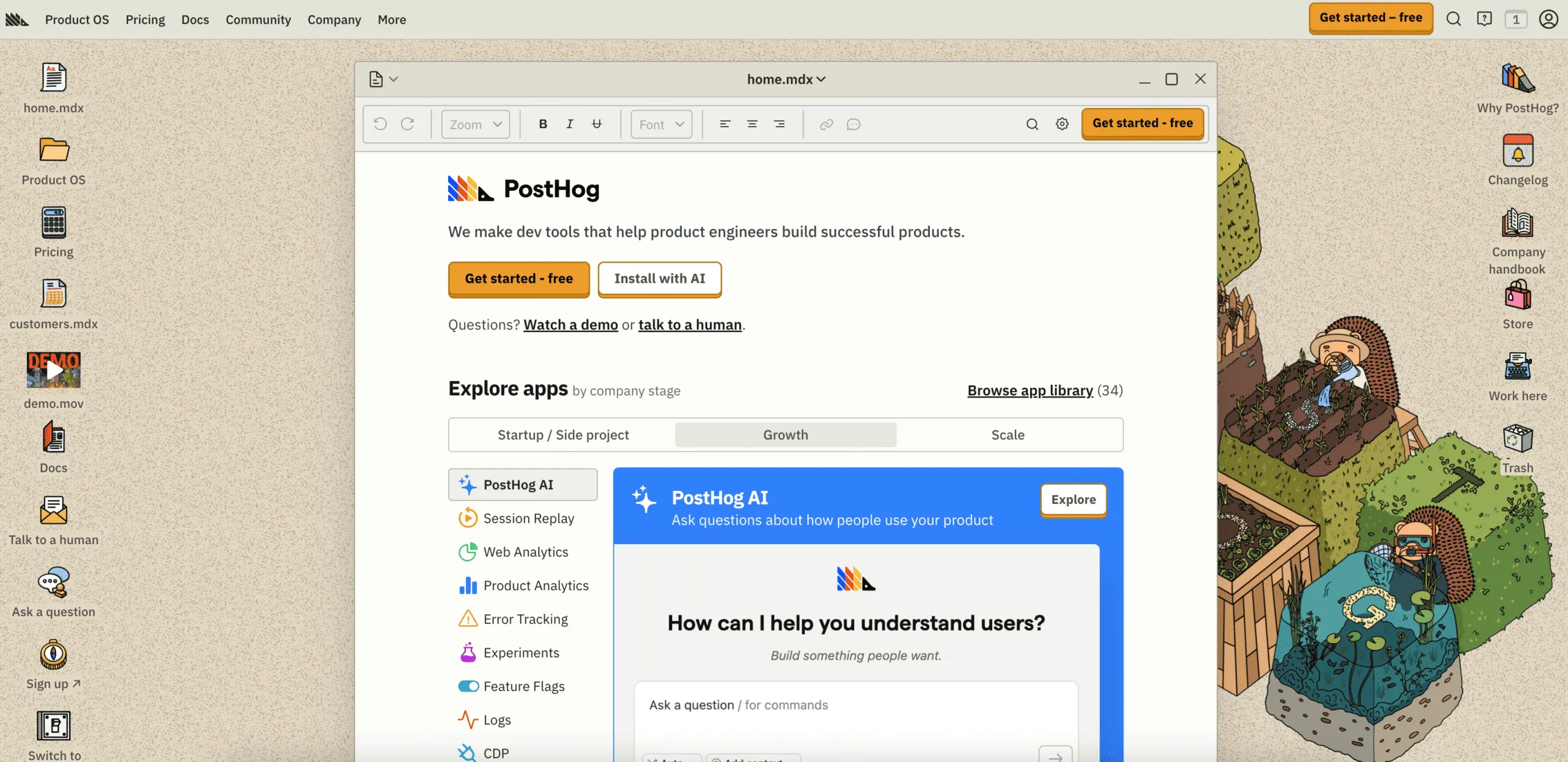
Open-source codebase
The full platform is available to self-host, giving teams complete control over their data and no vendor dependency
Integrated product analytics
A/B testing sits alongside funnels, cohorts, retention analysis, and user paths with no separate tools needed
Warehouse-native experiments
Runs experiment analysis directly against your own data warehouse, eliminating reliance on a vendor's tracking system
Why we like it
PostHog is the only tool on this list with a genuinely robust free tier and a fully open-source codebase. For product teams that want experiments tied directly to behavioral data, it's one of the most coherent solutions available without a five-figure annual contract. The open-source model means no vendor lock-in, and the pay-as-you-go pricing scales genuinely well for early-stage teams.
Features
- Run A/B tests and feature flags with server-side targeting and rollout controls
- Analyze user behavior with funnels, cohorts, retention, and user paths
- Watch session replays and heatmaps without a separate tool
- Self-host for full data control, or use the managed cloud version
- Connect to your existing data warehouse for warehouse-native experiment analysis
Pricing
Free tier available for up to 1M events per month. Pay-as-you-go beyond free limits. Cloud and self-hosted options available.
Pros and cons
Genuinely free tier with no credit card required
Full open-source codebase: no vendor lock-in
Product analytics and experimentation tightly integrated in one platform
No traditional visual editor for client-side web experiments
Requires developer resources to get the most from the platform
6

Kameleoon
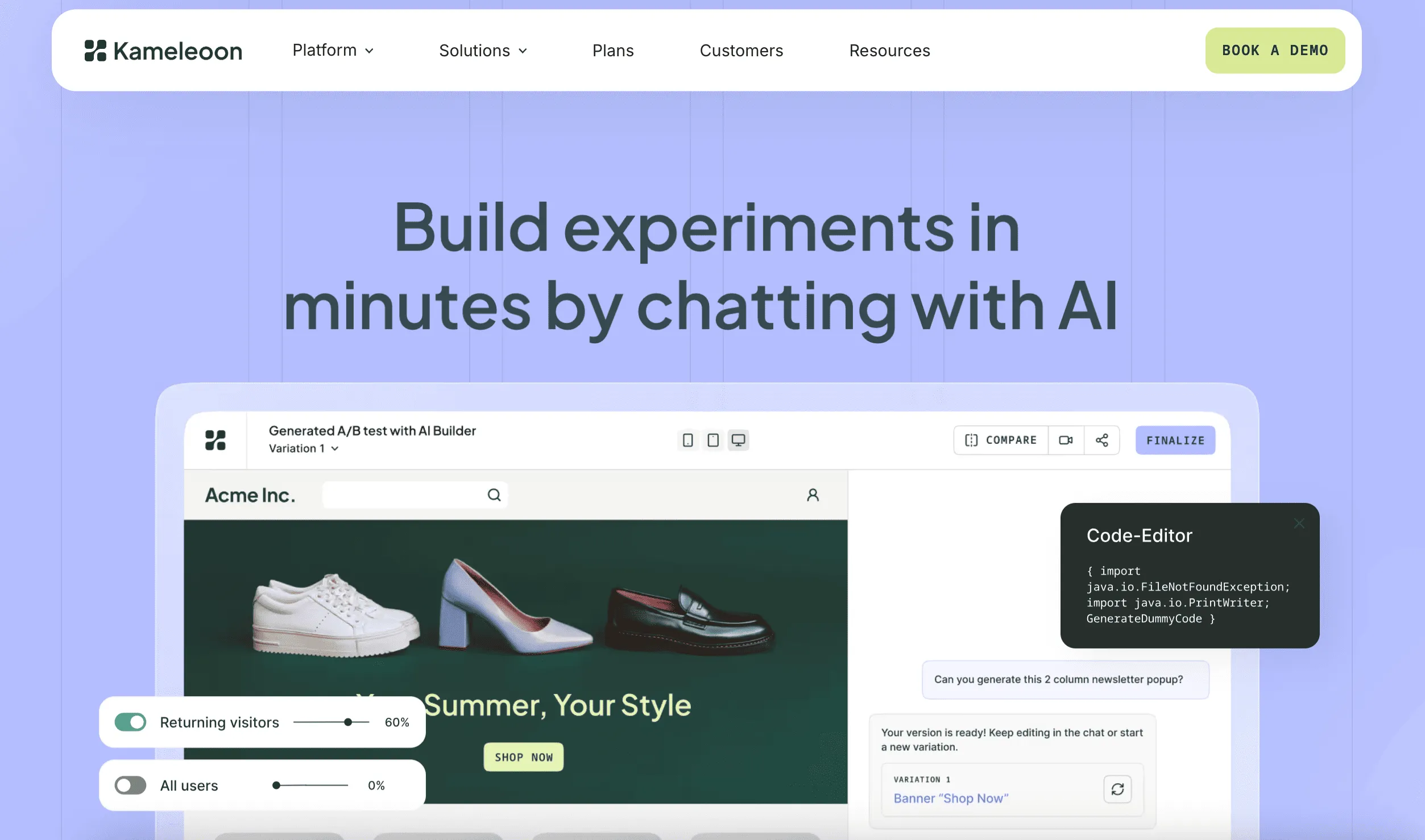
AI predictive targeting
Automatically identifies which visitors are most likely to convert on each variant and routes them without manual rule building
Real-time personalization
Behavioral scoring updates in real time, enabling dynamic content delivery based on live visitor signals
Privacy compliance
Built-in GDPR and cookieless testing controls with full data residency options for privacy-sensitive industries
Why we like it
Rather than manually building audience rules, Kameleoon's predictive targeting engine learns which visitors are most likely to convert on each variant and routes accordingly. It's particularly valuable for personalization programs with multiple concurrent audiences, and its GDPR-first architecture makes it a strong choice for European teams and privacy-sensitive industries.
Features
- Run A/B and multivariate tests with client-side and server-side support
- Use AI-powered predictive targeting to automate audience segmentation
- Deliver dynamic personalized content with real-time behavioral scoring
- Test across web, mobile, and backend applications via SDK
- Manage cookieless testing with full GDPR and data residency controls
Pricing
Custom pricing only. Contact Kameleoon for a quote.
Pros and cons
AI-powered targeting reduces manual segmentation overhead significantly
Strong GDPR and cookieless testing architecture for European teams
Full-stack: client-side, server-side, and mobile testing in one platform
Custom pricing with no public self-serve option; requires sales engagement to evaluate
Best suited to teams with a clear personalization use case to justify the commitment
7
Crazy Egg
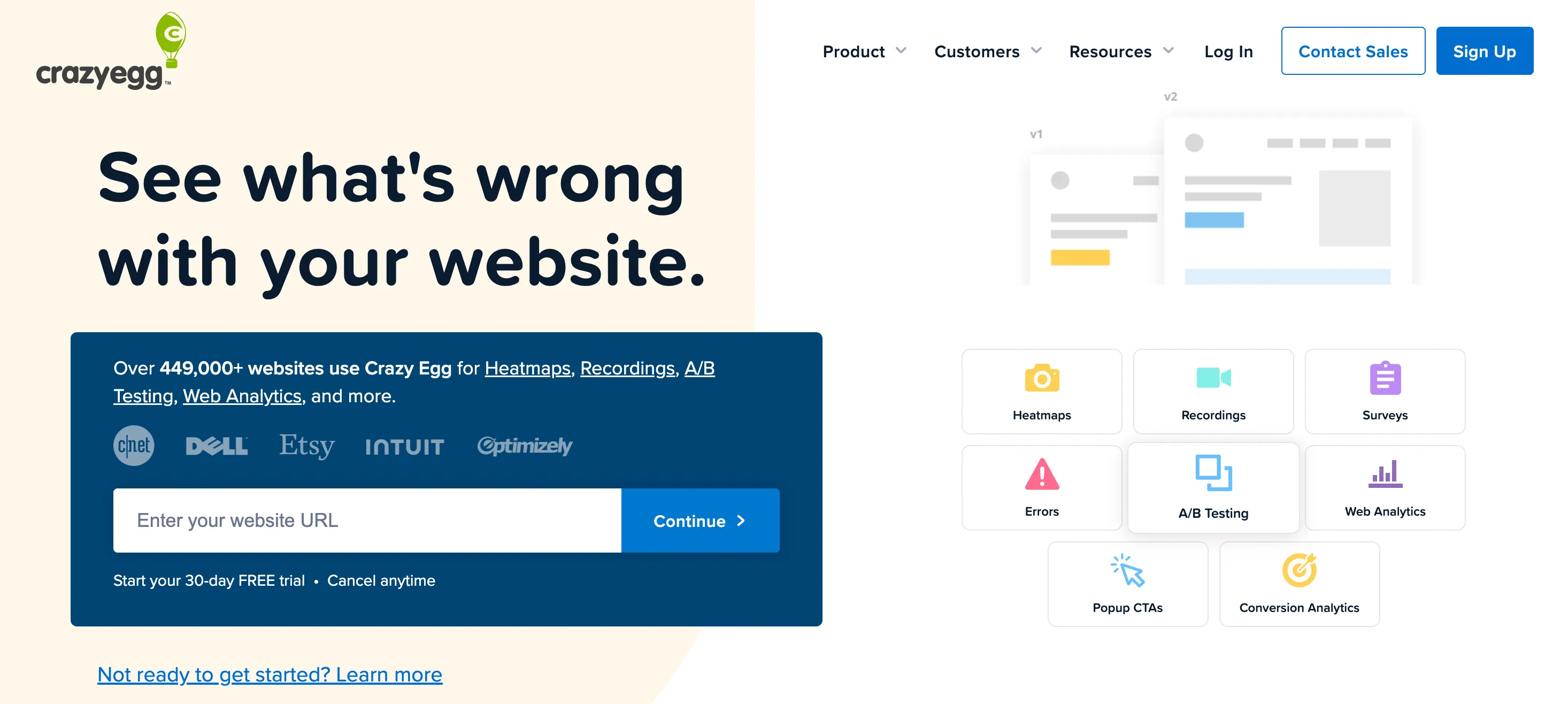
Five heatmap types
Click maps, scroll maps, confetti reports, overlay maps, and list reports give granular visual analysis of user behavior
Snapshot tracking
Periodic page snapshots capture how a page looks at a given point in time, making it easier to correlate changes with behavior
Lowest entry price
At $29/month, Crazy Egg is the most accessible tool on this list for teams wanting analytics and A/B testing together
Why we like it
For teams that want to start by understanding where users are and aren't engaging before committing to a test, Crazy Egg gives you both the diagnostic data and the testing environment in one low-cost package. The A/B testing functionality is solid for basic experiments, though it doesn't offer the statistical depth or multivariate capabilities of VWO or Convert.
Features
- Visualize user clicks, scrolls, and engagement with heatmaps and scroll maps
- Run A/B and split URL tests with a visual editor and goal tracking
- Watch individual user sessions with session recording playback
- Capture periodic page snapshots to track visual changes over time
- Track click patterns across devices to identify mobile vs. desktop friction
Pricing
Plans start at $29/month. 30-day free trial available. No permanent free plan.
Pros and cons
Most affordable entry point on this list at $29/month
Heatmaps and A/B testing in one tool; no need for a separate analytics platform
Intuitive interface; accessible for non-technical users
A/B testing capabilities are basic; not suitable for complex or high-volume experiments
No server-side or feature flag testing
8

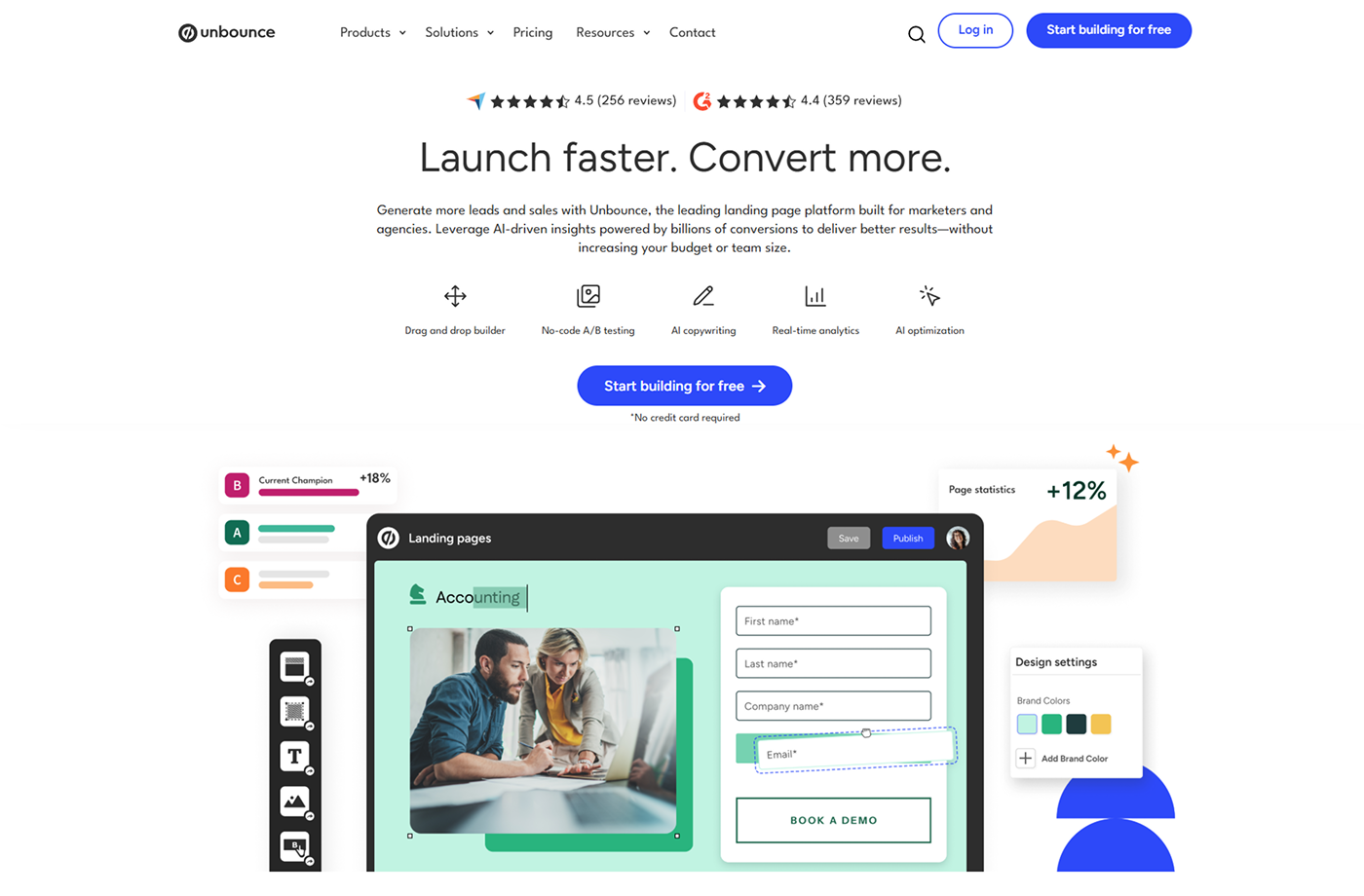
Unbounce
Landing page-native testing
Page building and test creation happen in the same environment, with no developer required at any stage
Smart Traffic AI
Dynamically routes each visitor to the variant most likely to convert, rather than running a fixed percentage split
Conversion-focused templates
100+ templates built for single-action conversion, with exit-intent popups and sticky bars included
Why we like it
Unbounce is a landing page builder with A/B testing built in, rather than a general-purpose testing platform. Rather than running a fixed 50/50 split and waiting for statistical significance, Smart Traffic AI dynamically routes each visitor to the variant most likely to convert for them individually.
For teams focused on paid campaigns or lead generation pages, it's the most efficient tool available because building and testing happen in the same environment.
Features
- Build landing pages with a drag-and-drop editor using 100+ conversion-focused templates
- Run A/B tests natively across page variants with conversion tracking
- Use Smart Traffic AI to automatically route visitors to the highest-converting variant
- Add exit-intent popups and sticky bars to capture conversions beyond the main page
- Integrate with HubSpot, Salesforce, Mailchimp, and major marketing stacks
Pricing
Plans start at $74/month. No free plan. 14-day free trial available.
Pros and cons
No developer required to build or test landing page variants
Smart Traffic AI accelerates conversion gains without waiting for statistical significance
Clean, intuitive interface suited to non-technical marketing teams
Only works for pages built in Unbounce; not suitable for testing across a broader site
No server-side or multivariate testing capabilities
9

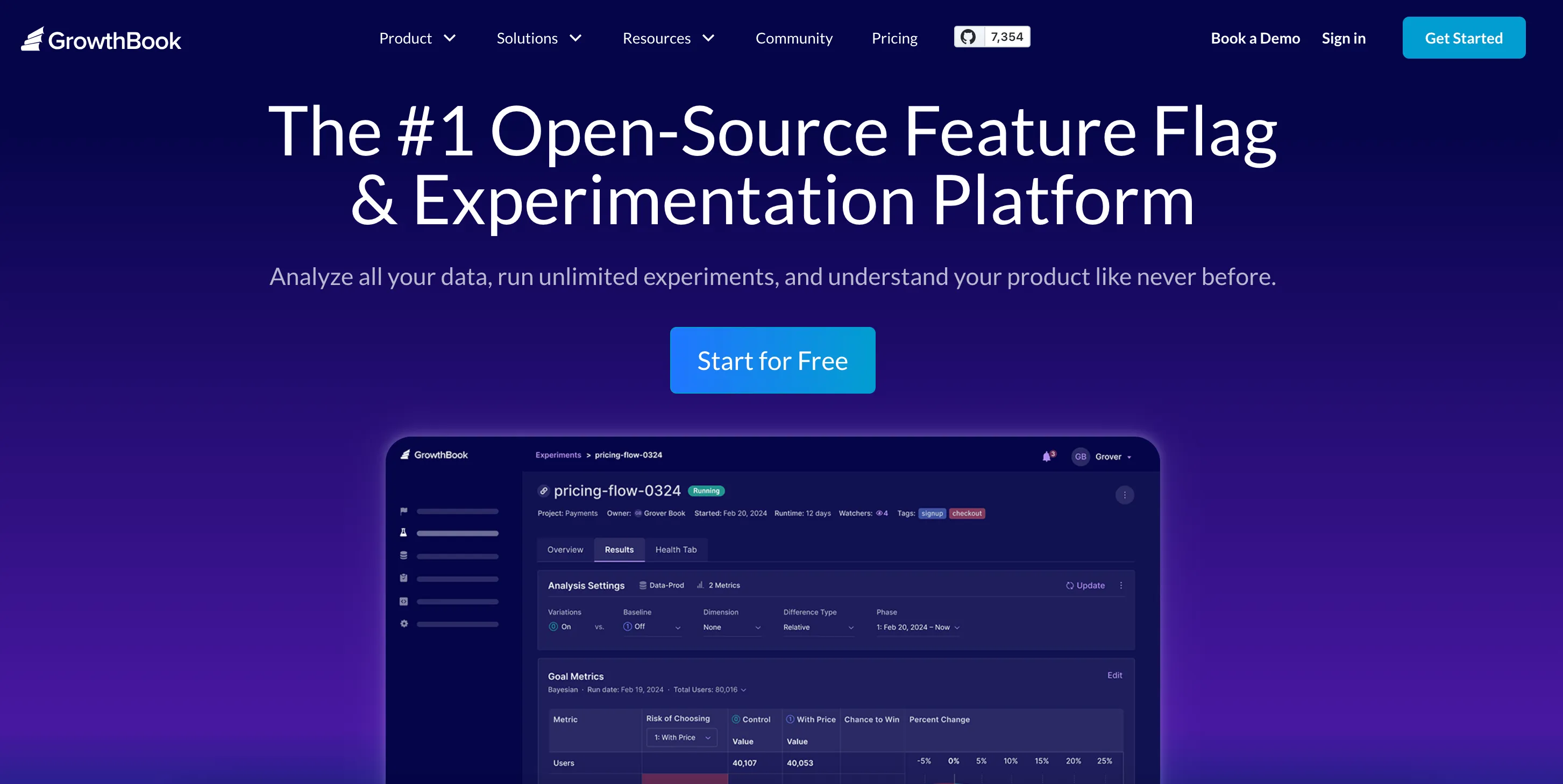
GrowthBook
Warehouse-native analysis
Connects to BigQuery, Redshift, Snowflake, Mixpanel, or GA4 to run experiment analysis against your own data
Fully open-source
Codebase available to self-host with no vendor lock-in, or use the managed cloud version with a visual editor
Flexible statistical methodology
Choose between Bayesian and frequentist models depending on your team's approach to calling tests
Why we like it
GrowthBook is built for teams that want full control over their experimentation infrastructure without routing data through a vendor's tracking system. Rather than trusting a vendor's black-box analysis, it lets you run Bayesian or frequentist analysis directly against your own data warehouse, producing more trustworthy results and eliminating a layer of vendor dependency.
Features
- Run feature flag experiments with percentage rollouts, targeting rules, and kill switches
- Connect to your existing data warehouse and run statistical analysis on your own data
- Choose between Bayesian and frequentist statistical models
- Self-host the full platform for complete data control and no vendor lock-in
- Use the cloud version's visual editor for no-code client-side web experiments
Pricing
Free self-hosted option available. Cloud plans start at $100/month for managed infrastructure and additional features.
Pros and cons
Fully open-source: no vendor lock-in and complete transparency
Warehouse-native stats let you analyze experiment data in your own environment
Genuinely free self-hosted option for teams with engineering resources
No traditional visual editor in the self-hosted version
Self-hosted version requires engineering resources to set up and maintain
10
Omniconvert
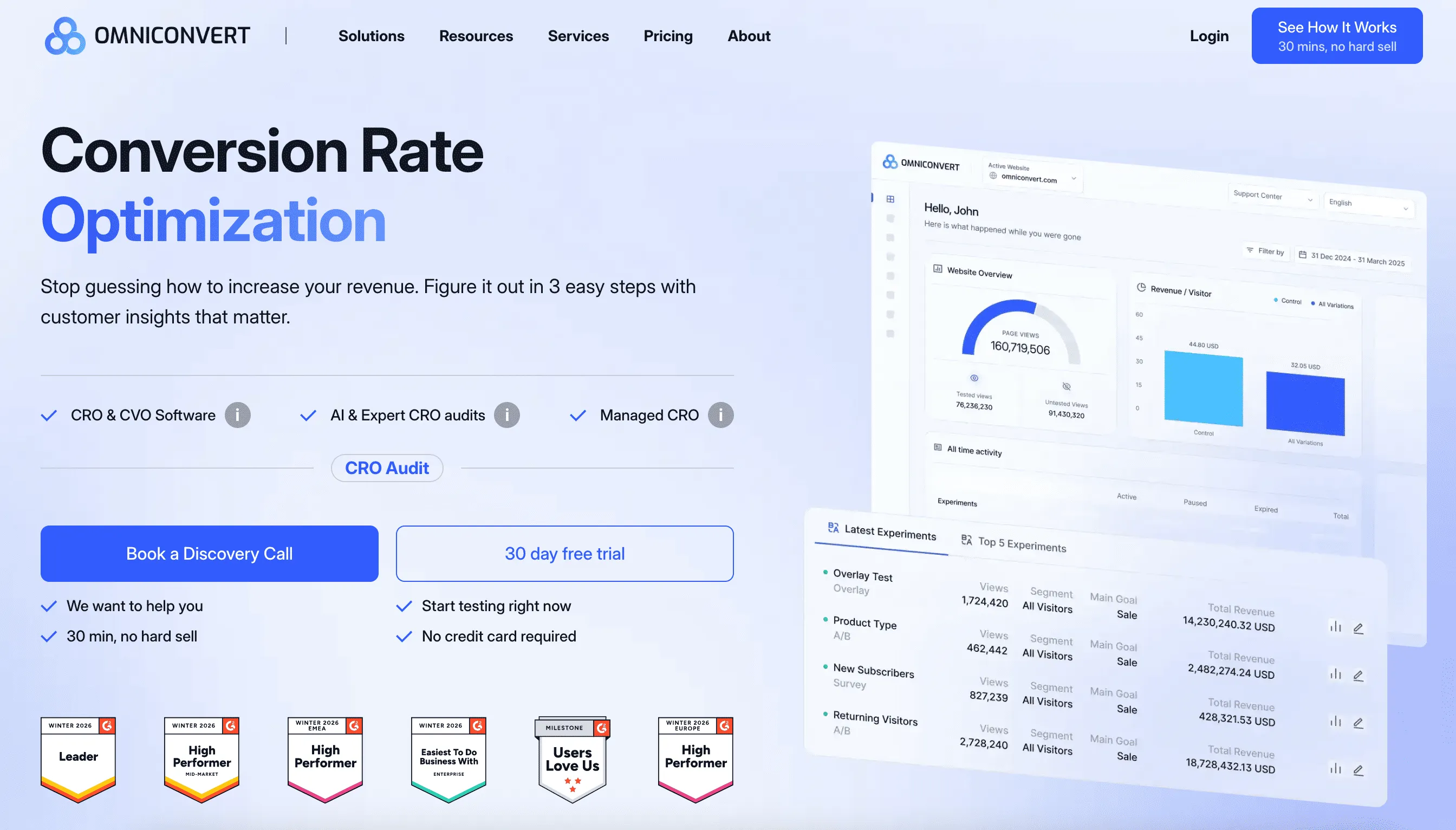
RFM-based audience targeting
Segment experiments by recency, frequency, and monetary value to test against high-value or at-risk customers
Voice-of-customer tools
On-site surveys and NPS tracking sit in the same platform as your test results, with no additional integration needed
E-commerce-native feature set
Exit-intent overlays, behavioral nudges, and customer lifetime value tracking are built in alongside A/B testing
Why we like it
Omniconvert is purpose-built for e-commerce CRO, going beyond standard A/B testing with RFM-based audience targeting, on-site surveys, and NPS tracking.
Rather than testing against generic traffic segments, you can run experiments specifically against your highest-value customers or those at risk of churn, which means test results reflect the impact on the segments that actually matter to revenue.
Features
- Run A/B and multivariate tests with a visual editor and frequentist or Bayesian statistics
- Segment test audiences by RFM data to target high-value or at-risk customer groups
- Deploy exit-intent overlays, scroll-triggered popups, and behavioral on-site nudges
- Collect voice-of-customer data with on-site surveys and NPS in the same platform
- Track customer lifetime value and cohort performance alongside experiment results
Pricing
Plans start at $167/month billed annually. 30-day free trial available.
Pros and cons
RFM segmentation lets you test against commercially meaningful customer segments
Voice-of-customer tools built into the same platform as your test results
Transparent pricing with a 30-day free trial; no sales conversation required to start
Smaller ecosystem than VWO or Convert; fewer community resources and third-party integrations
Less suited to SaaS or lead generation-focused CRO programs
How to choose the right A/B testing tool for your team
The right tool depends less on feature lists and more on three practical questions.
Who will actually run the tests?
If your program is marketing-led and you need non-technical team members to build and launch tests without developer support, prioritize tools with strong visual editors: VWO and Convert are the most consistent performers here.
If your program is engineering-led, server-side tools like PostHog or GrowthBook fit your workflow better. If you don't have the internal bandwidth to run a consistent program at all, CROforce removes that constraint entirely.
How much traffic do you have?
Most tools are priced based on monthly tested users, not total site traffic. A tool that looks affordable at 50K monthly users can become expensive at 500K. Before committing, calculate your tested user volume across the pages you plan to experiment on, and model the cost at 2x your current volume to account for program growth.
What's your statistical methodology?
This matters more than most buying guides acknowledge. Some tools default to frequentist statistics; others offer Bayesian models. If you're running tests to a fixed sample size and calling results based on significance thresholds, frequentist works fine.
If you want to monitor tests continuously and make decisions as data accumulates, look for tools that support Bayesian or sequential testing to avoid inflated false positive rates.
The bottom line
The right tool is the one that matches where your program actually is: your traffic, technical setup, and your internal capacity to run tests consistently. A high-powered enterprise platform is wasted on a team that can't ship more than two tests a month. A lightweight tool becomes the bottleneck the moment your program matures.
For most CRO teams, the decision narrows quickly. VWO covers the most ground for in-house teams that want behavioral analytics and testing in one place. Convert is the strongest value play for serious programs that don't need enterprise scale. And if bandwidth is the real constraint rather than software, CROforce removes that entirely.
» Ready to run more tests without stretching your team? Talk to an expert at CROforce about a fully managed program.
FAQs
What's the difference between a self-serve A/B testing tool and a managed testing program?
Self-serve tools give you the software and leave execution to your team. A managed program like CROforce embeds a CRO team that covers strategy, build, monitoring, and analysis, which matters most when you don't have dedicated CRO bandwidth in-house.
How much traffic do you need to run A/B tests?
There's no universal number, but low-traffic pages produce underpowered tests that take too long to reach significance or return unreliable results. Most practitioners use 1,000+ monthly visitors per variant as a starting point, adjusted for your conversion rate and expected lift.
Do A/B testing tools work with GA4?
Yes, all tools on this list support GA4 integration. If you're migrating from Universal Analytics, you'll need to remap your goals and custom events in GA4 before they fire correctly in your testing tool.
Can you run A/B tests without a developer?
For simple tests, yes. Visual editors let marketers build and launch headline or CTA tests without touching code. More complex tests involving layout changes or server-side logic typically still need developer involvement.
What should you do with losing test results?
Document them. Losing tests tell you what your audience doesn't respond to and prevent you from re-running the same ideas. Recording the hypothesis, result, and context for every test is what separates mature programs from teams that keep starting from scratch.